AppShots 2.0 build coming by EOM: new device frames, AI workflows, and a brand new UI/UX. Current build is $25 · Get updates

App Store & Play Store screenshots

Design store screenshots in minutes, not hours.

Design once. Ship for every device and language.

Get AppShots

$25 lifetime · 7-day refund · 1-day trial · macOS 11.2+

Join 100+ developers using AppShots.

Work in progress

AppShots 2.0 demo

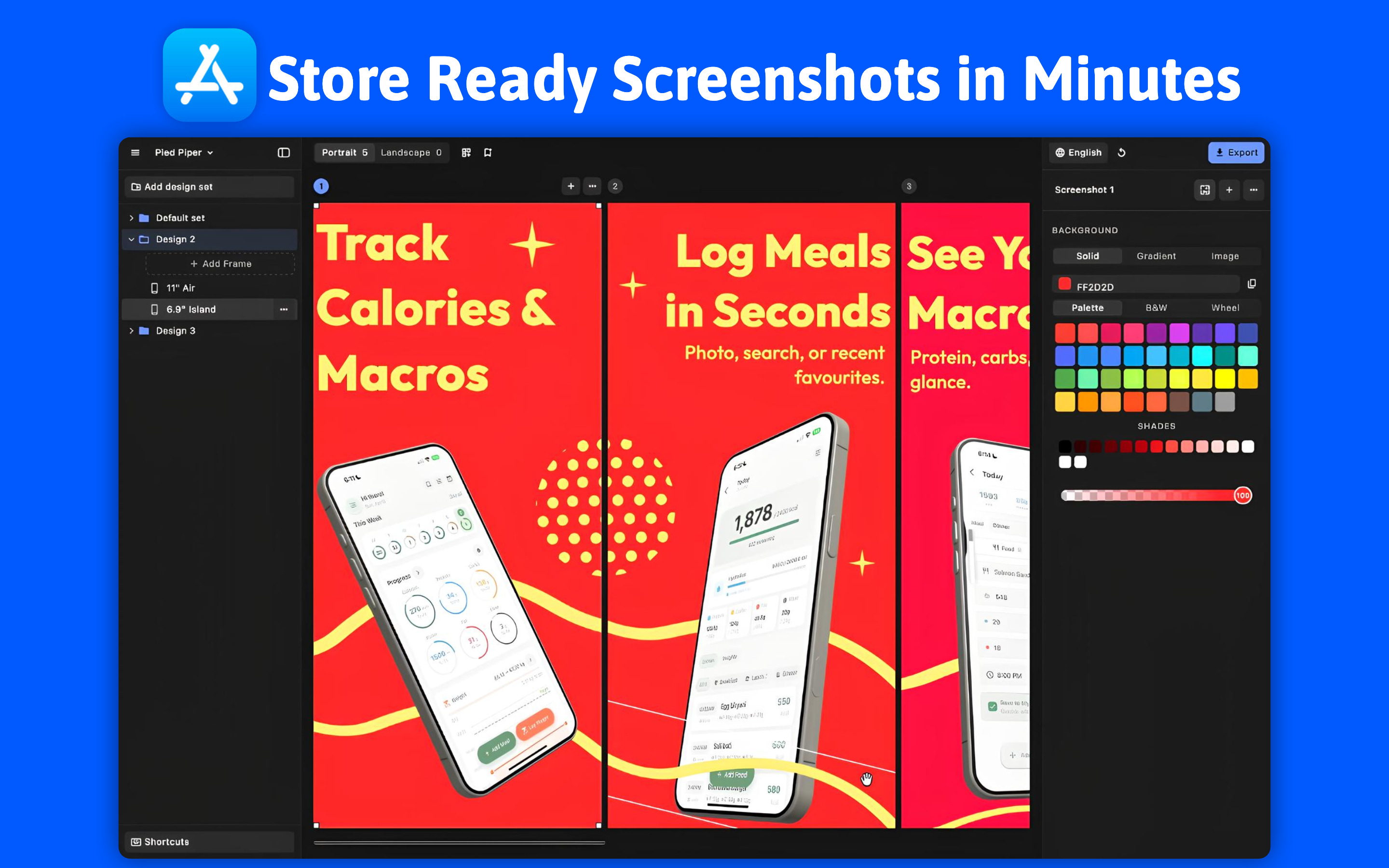
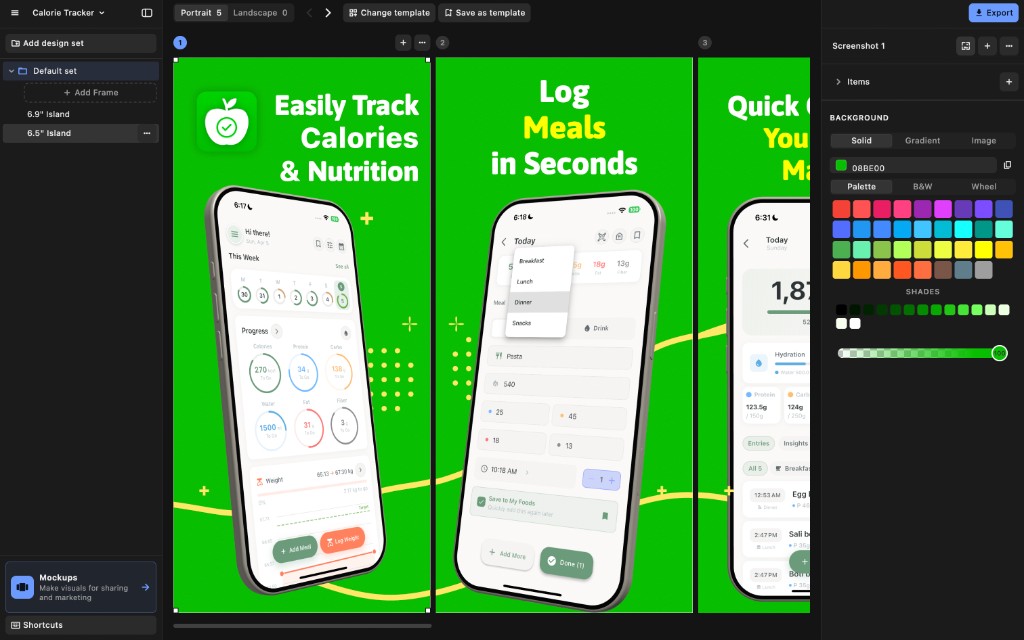
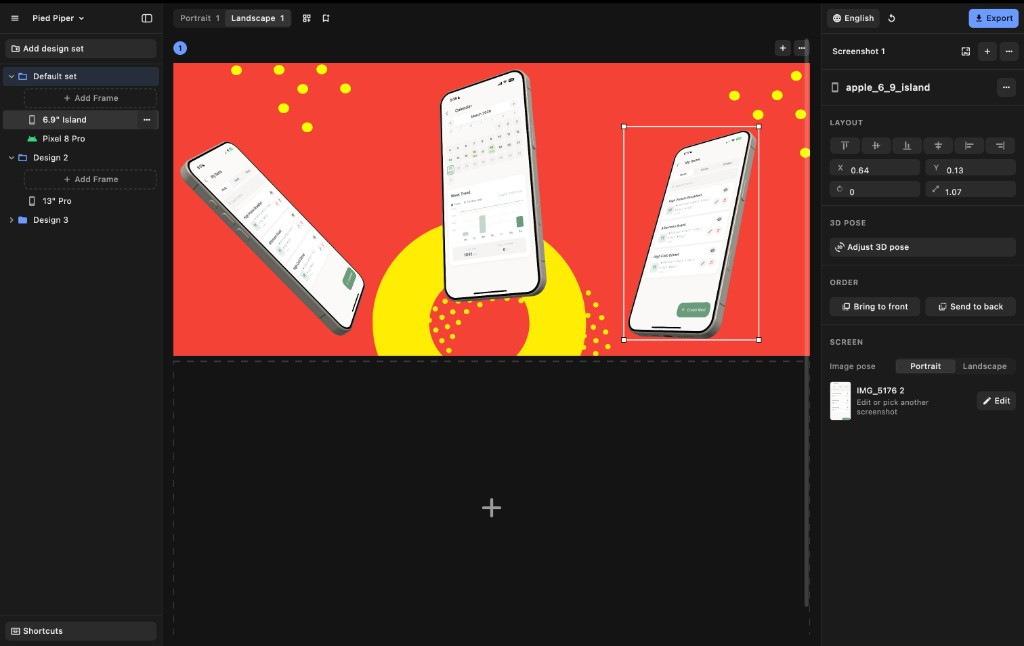
AppShots editor
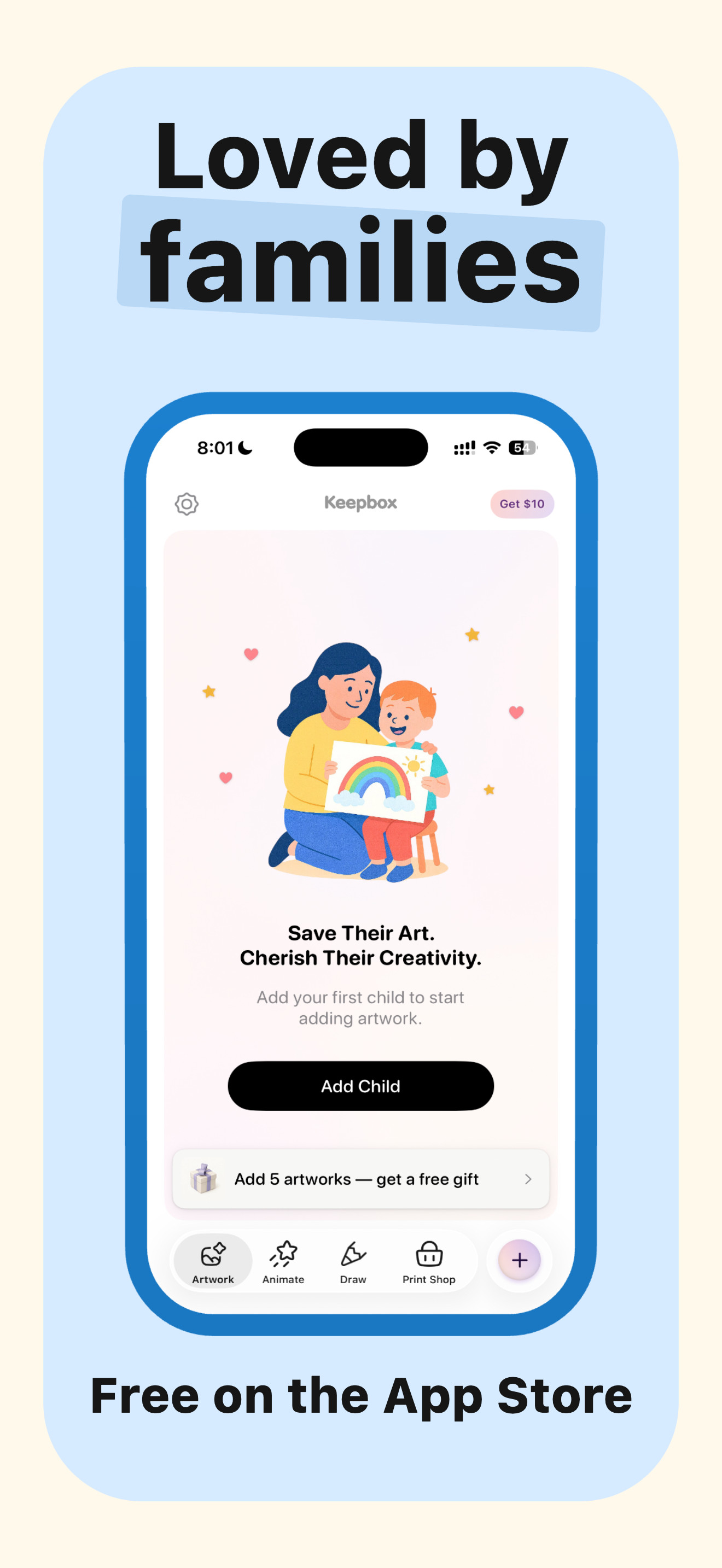
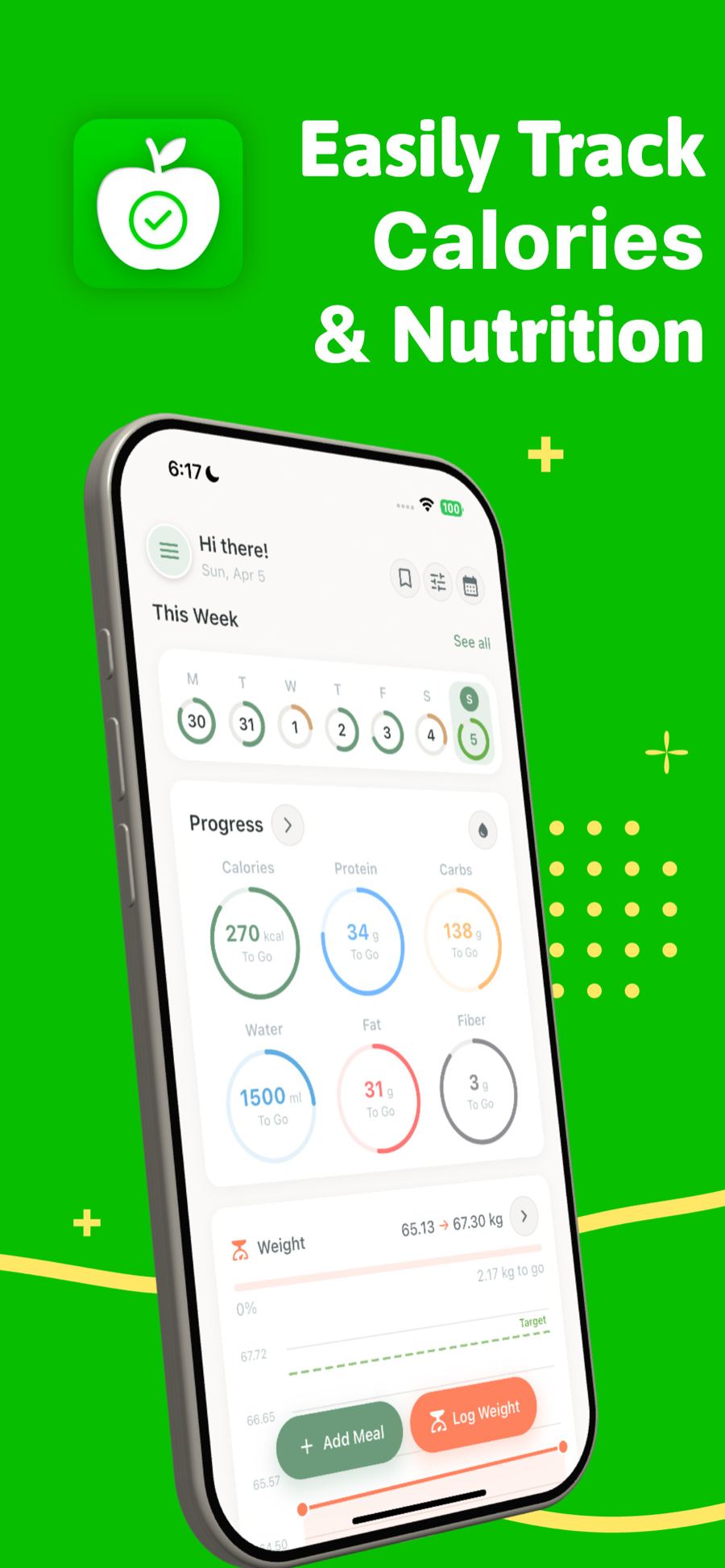
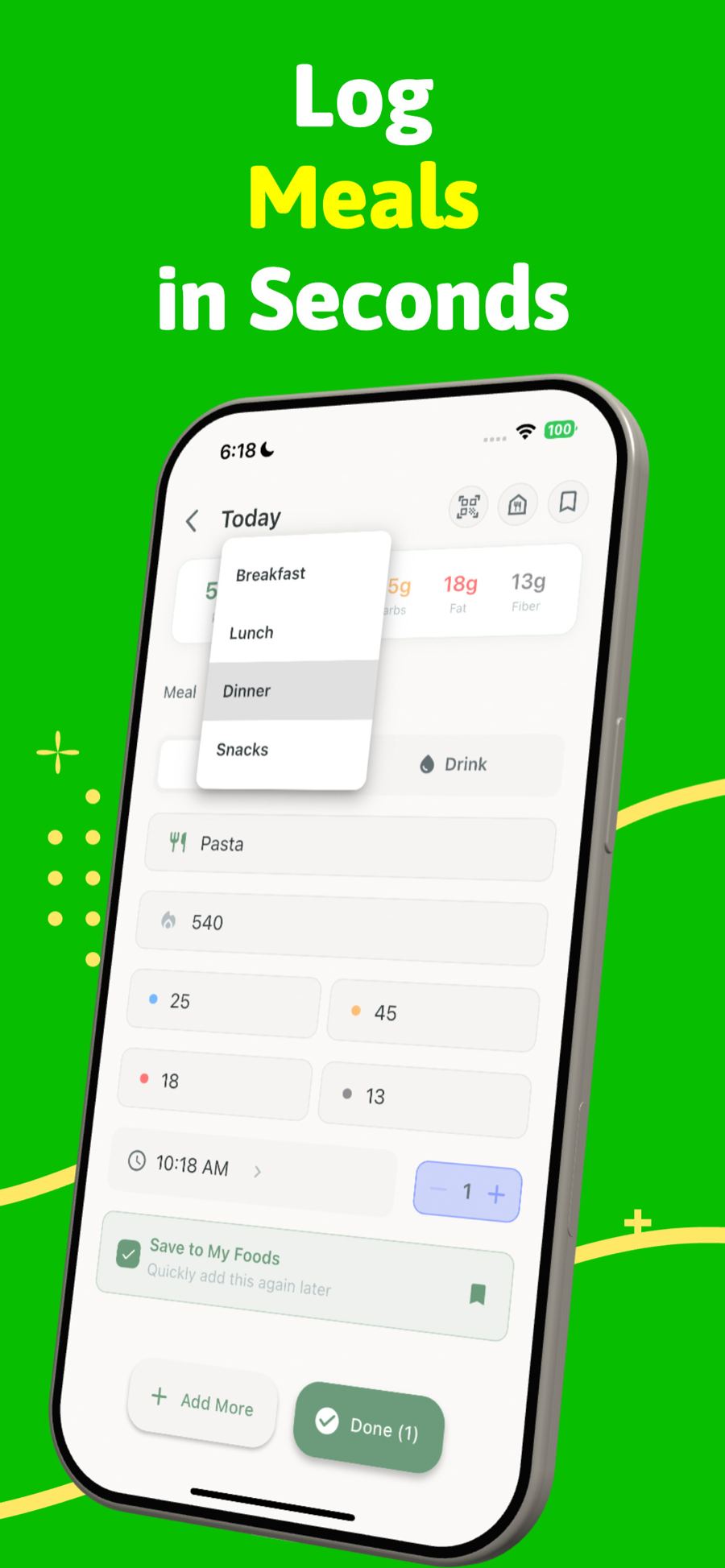
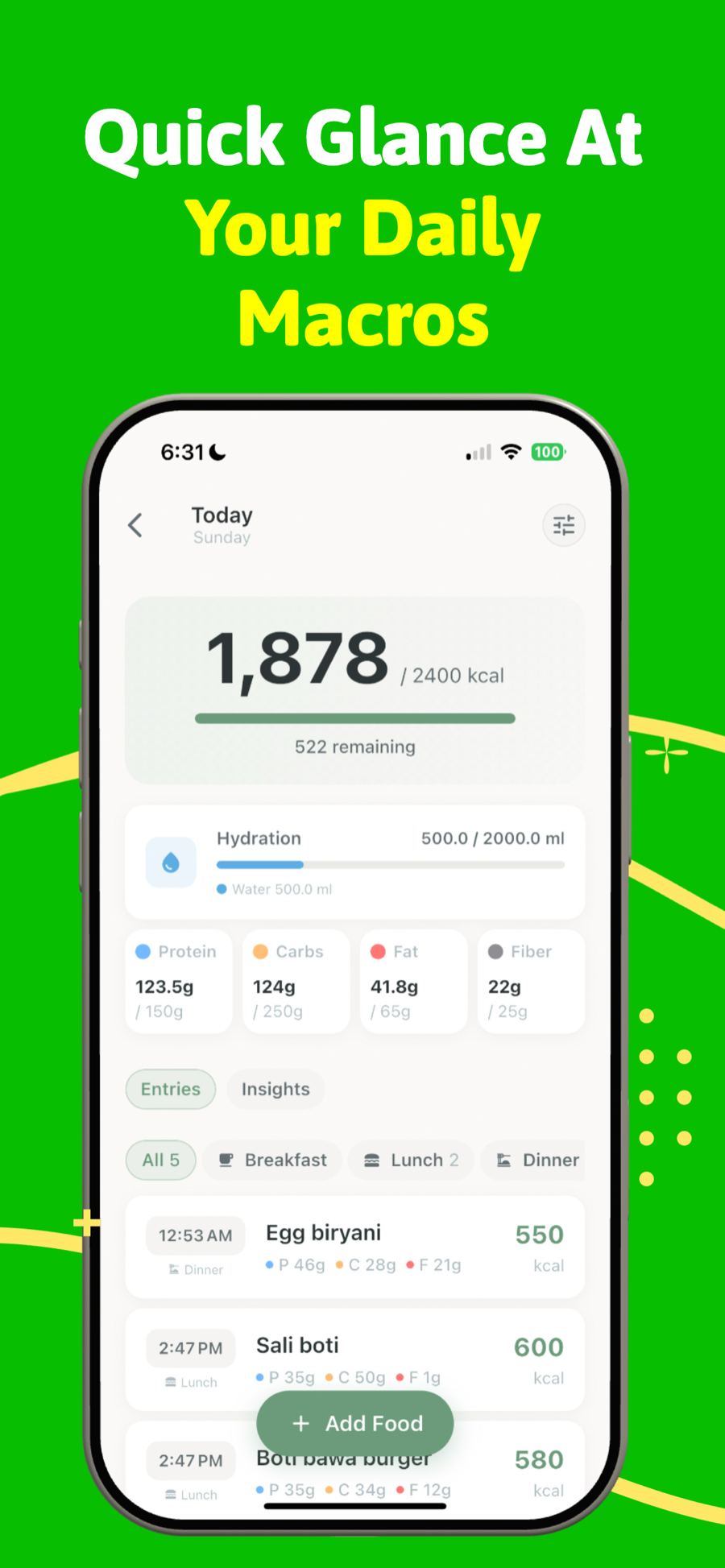
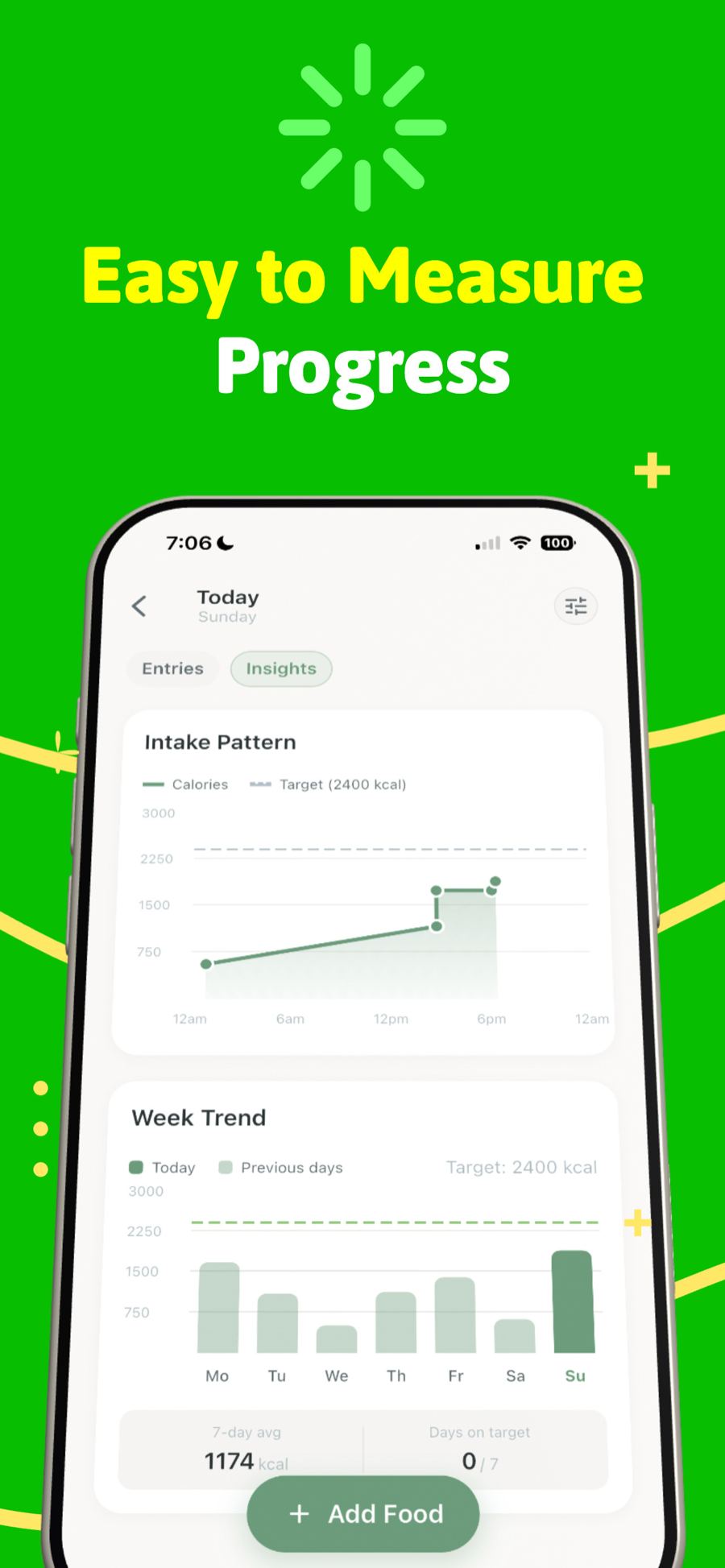
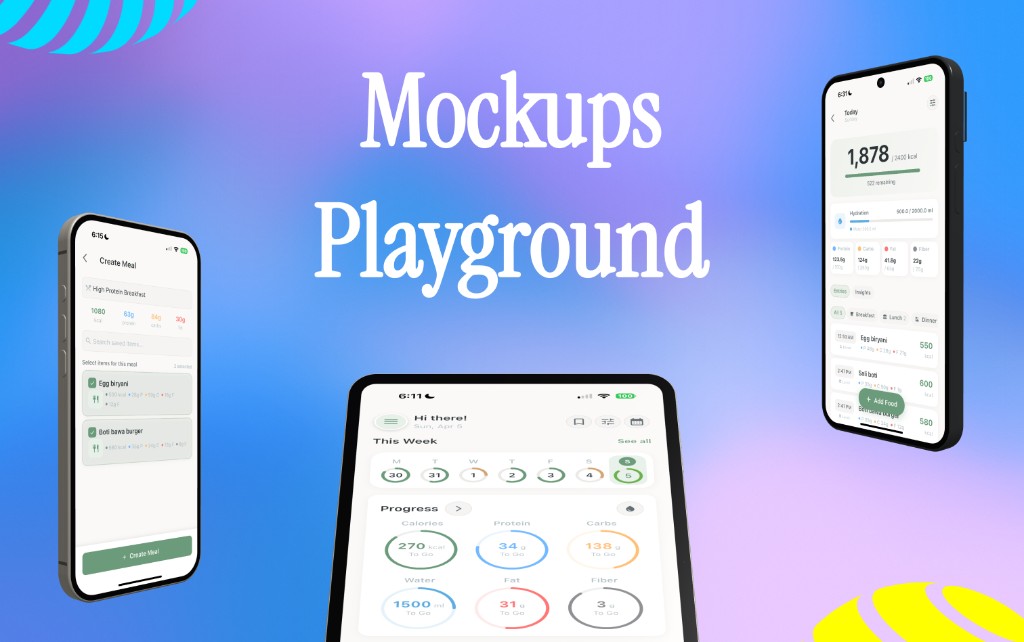
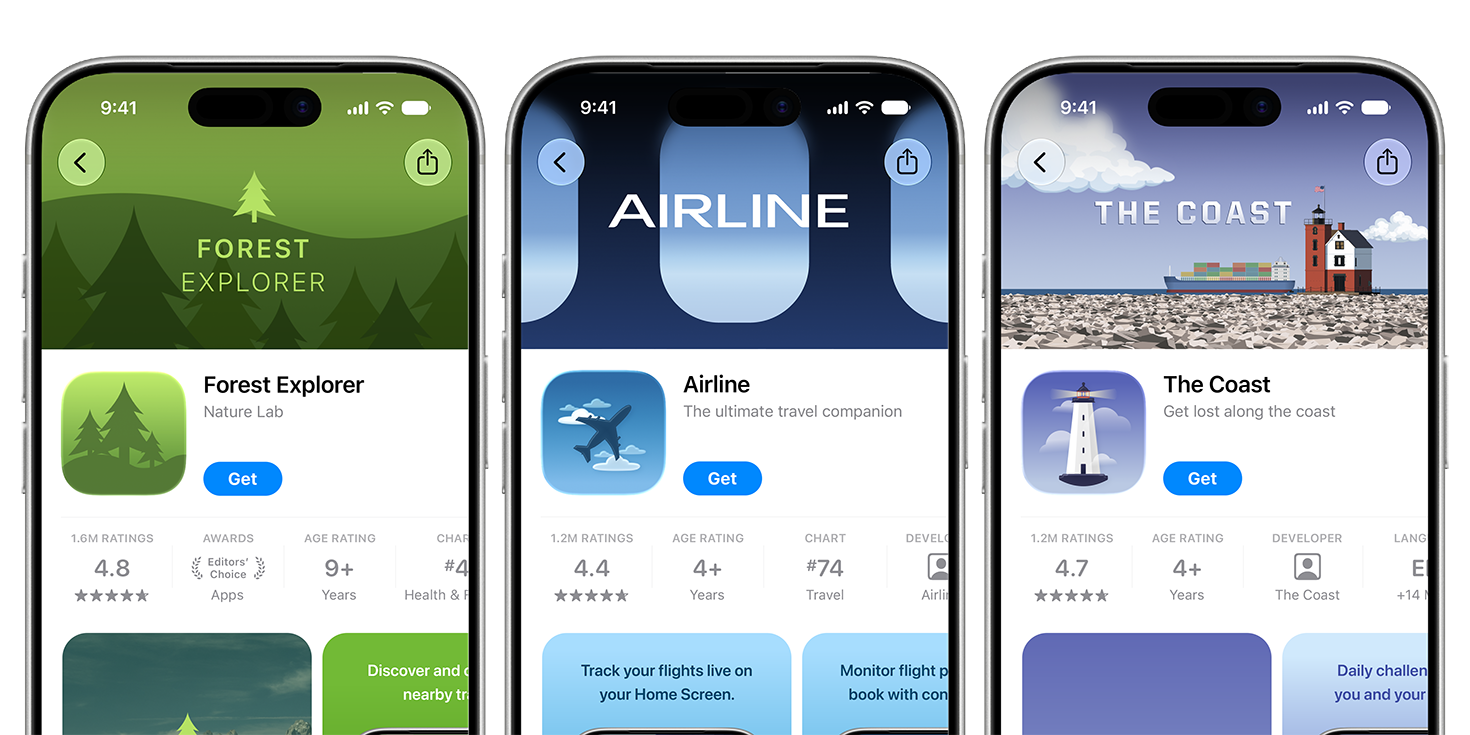
Made with AppShots

Why it matters

They buy what they see.

Most people decide from your screenshots, not your description. They should look as good as your app.

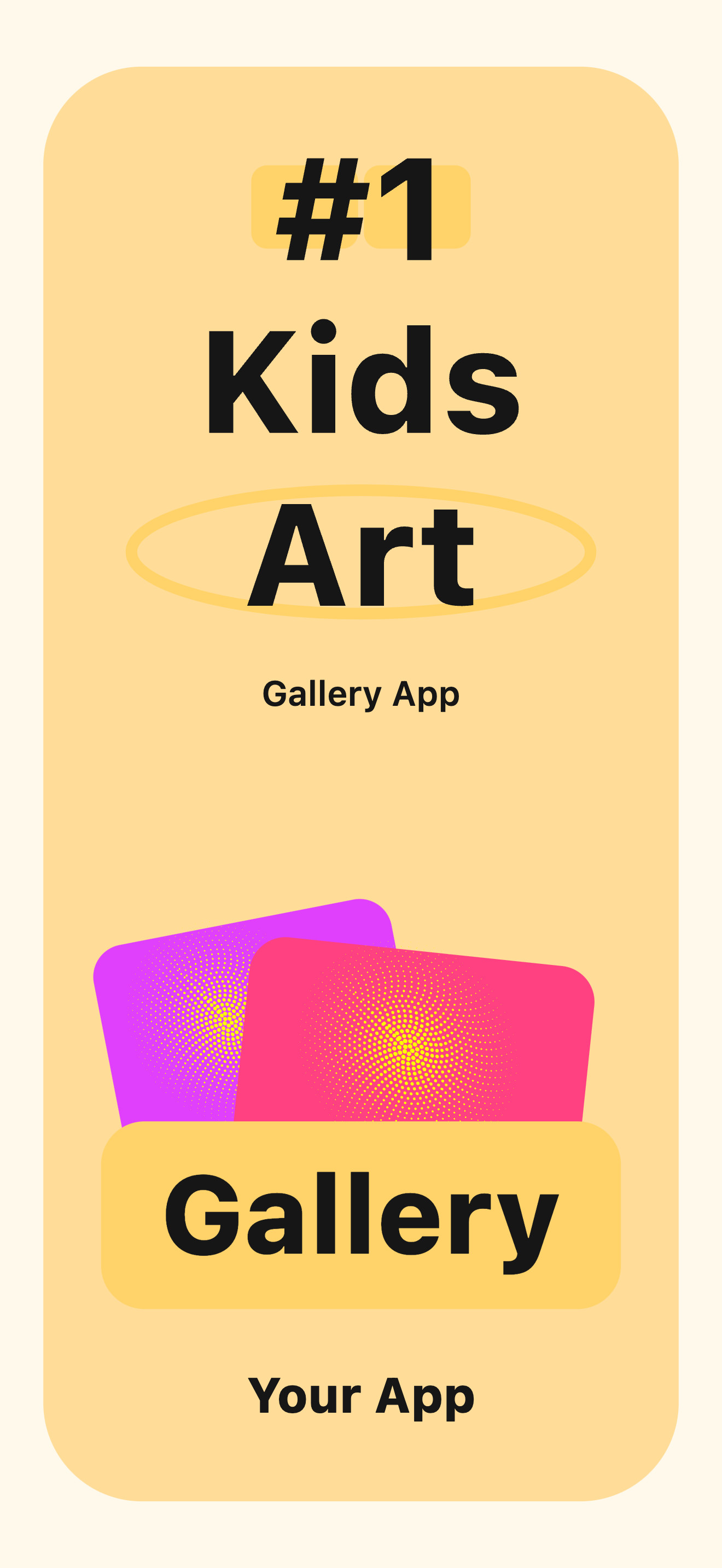
Five screenshots, one design

01 Store screenshot 1
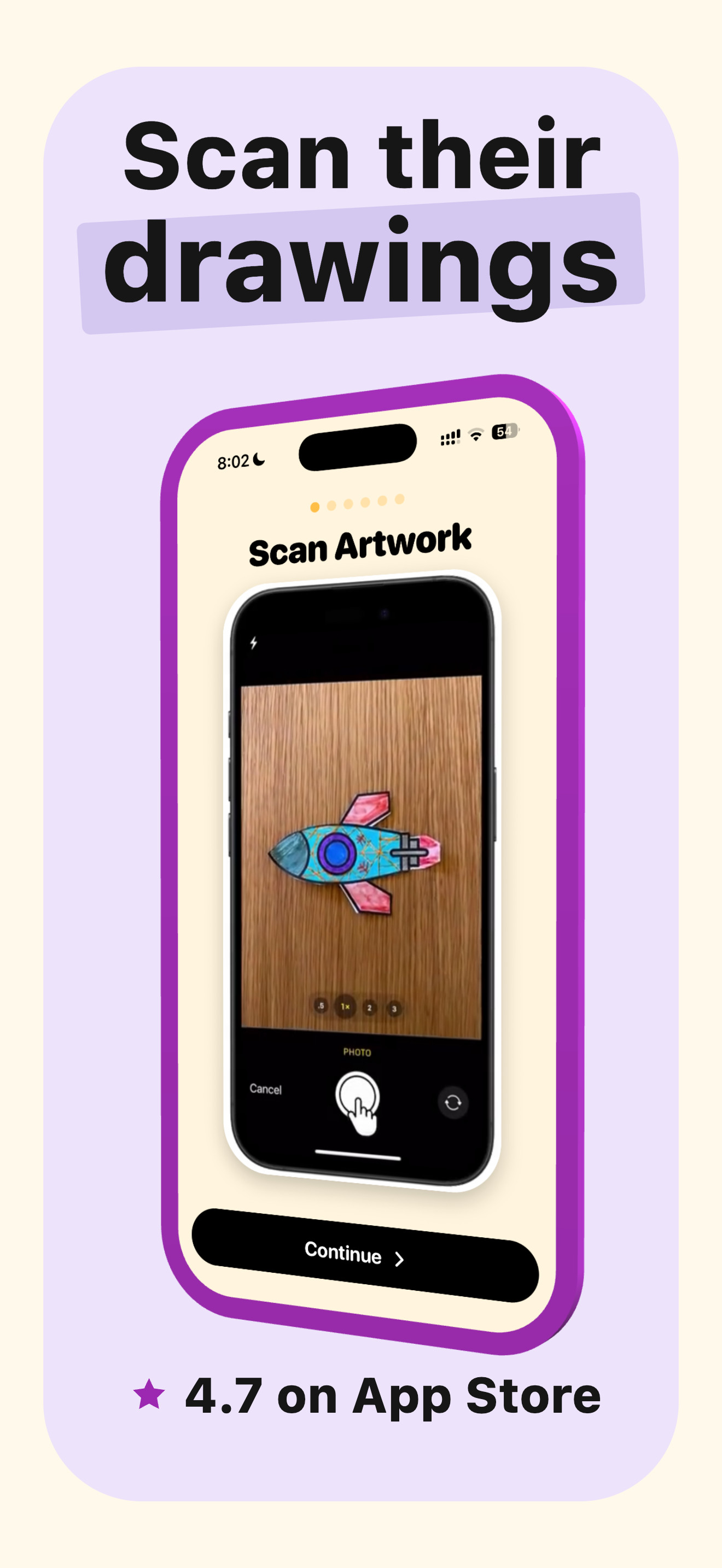
02 Store screenshot 2
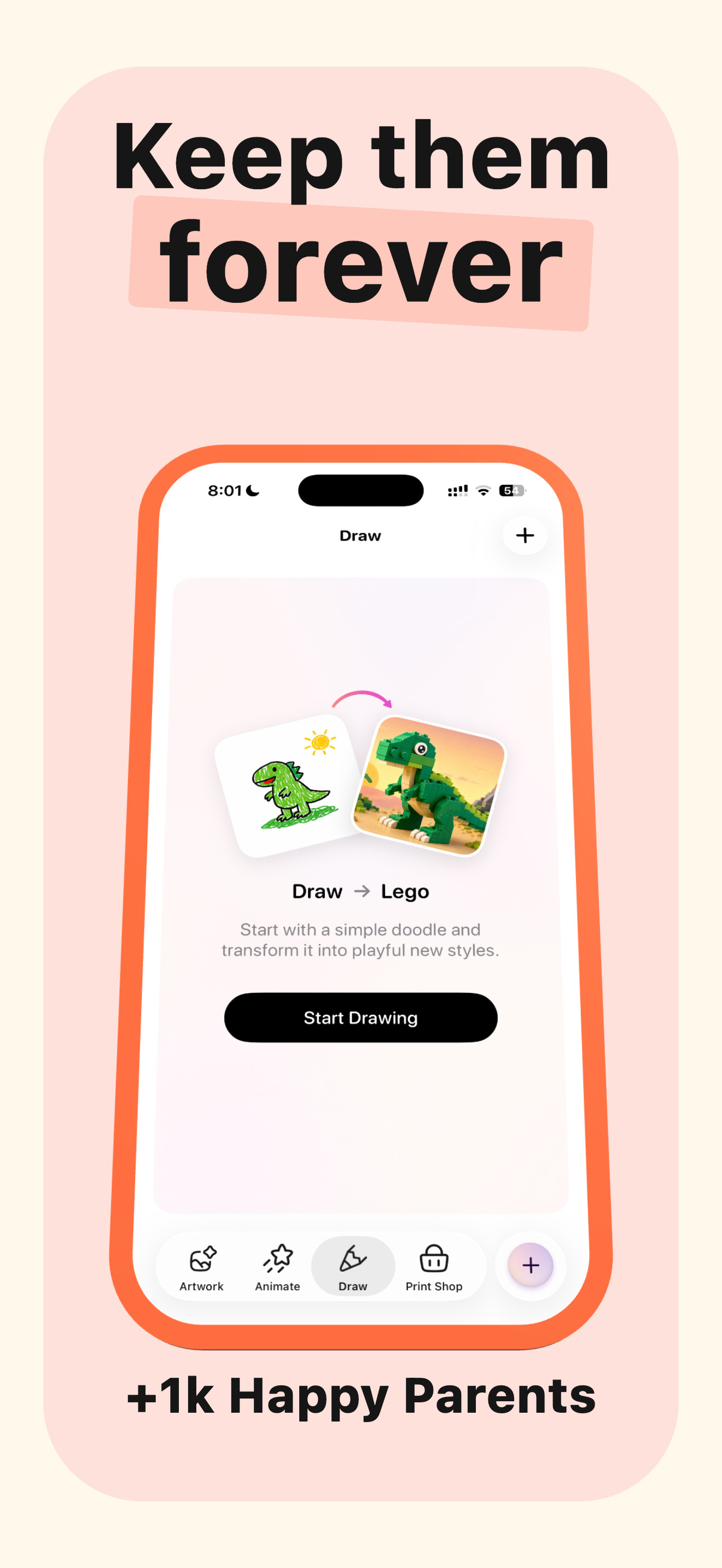
03 Store screenshot 3
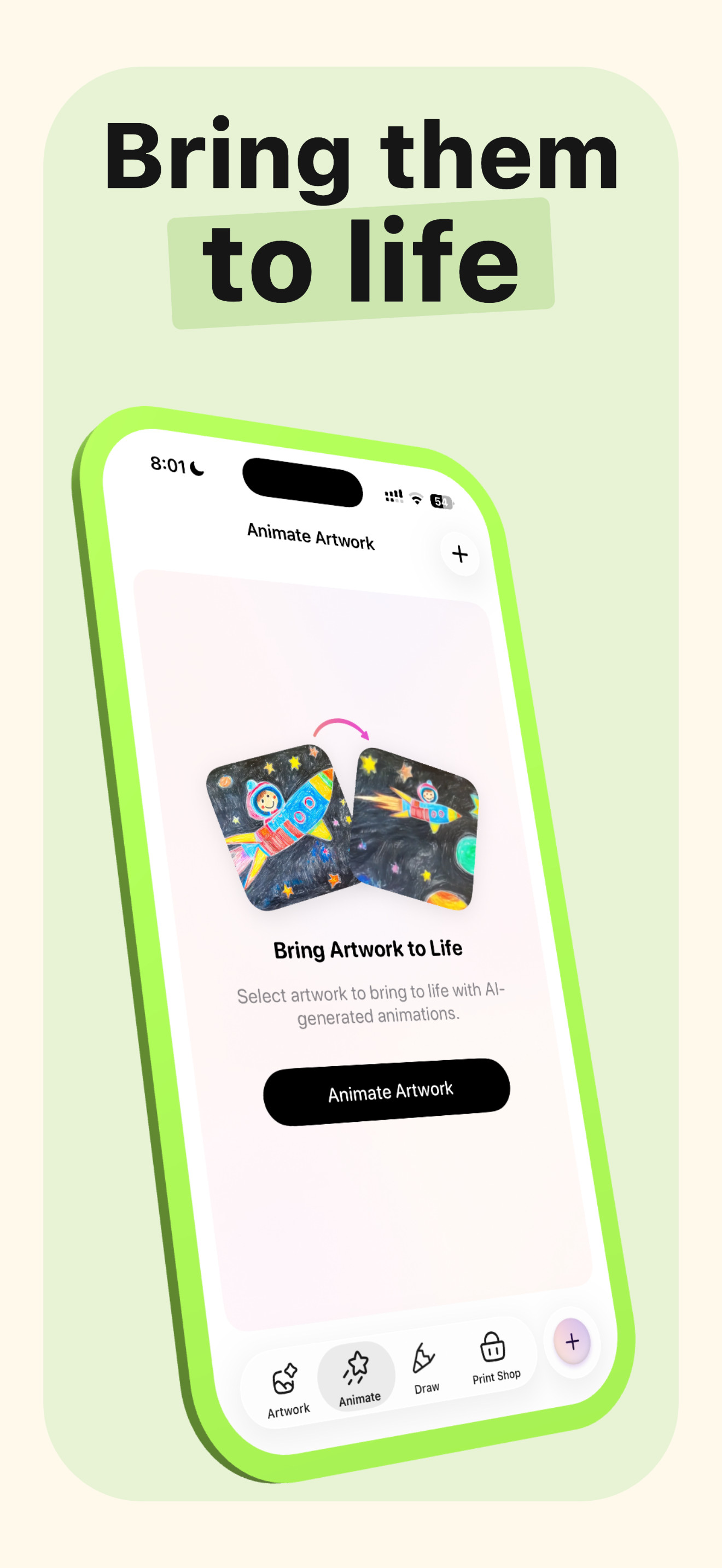
04 Store screenshot 4
05 Store screenshot 5

Without AppShots

Rushed screenshots make a good app look unfinished.

With AppShots

Polished, consistent screenshots — without losing a week to them.

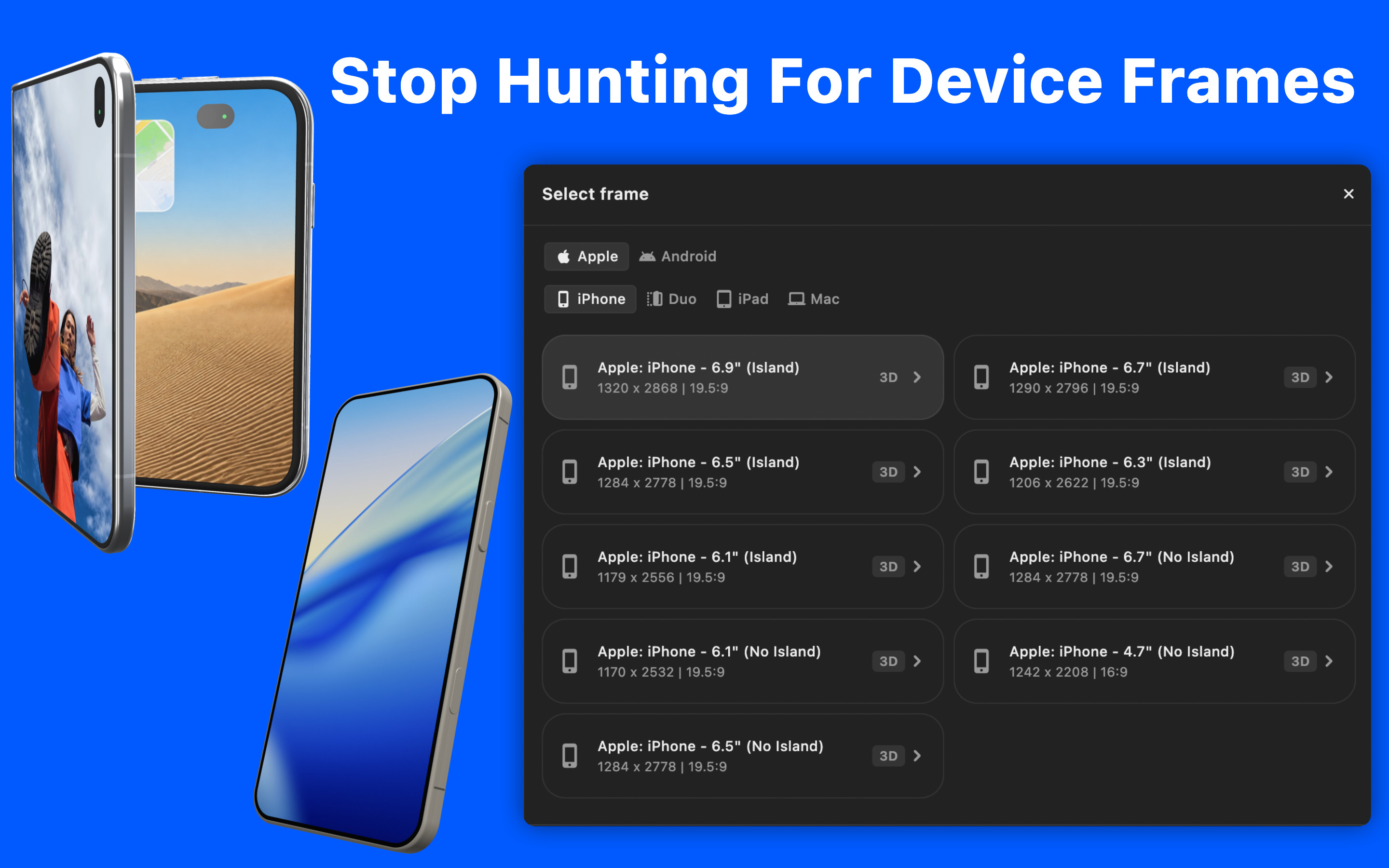
Device frames

Stop hunting for device mockups.

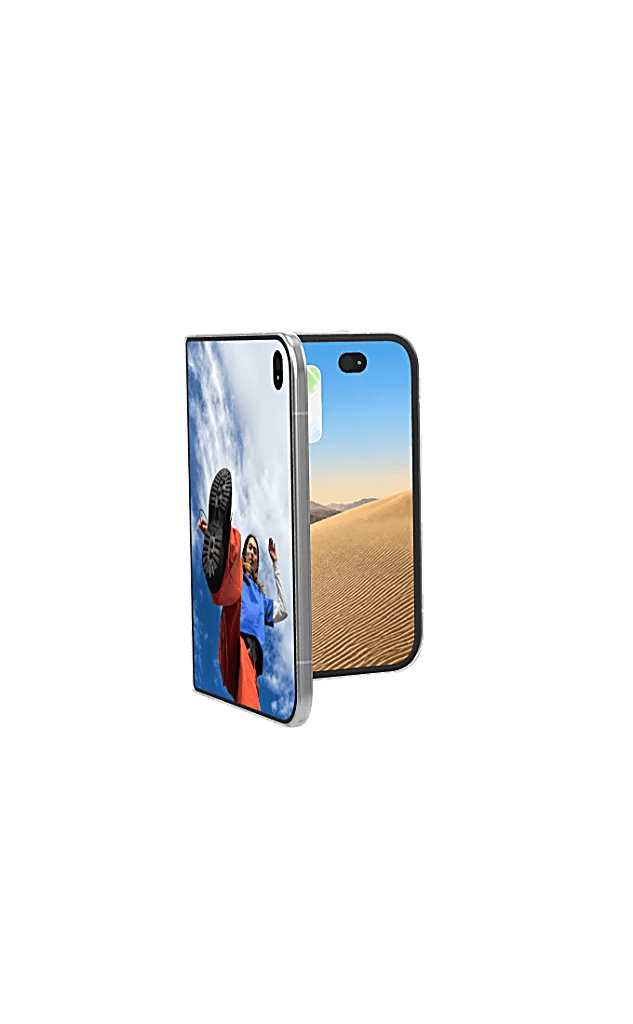
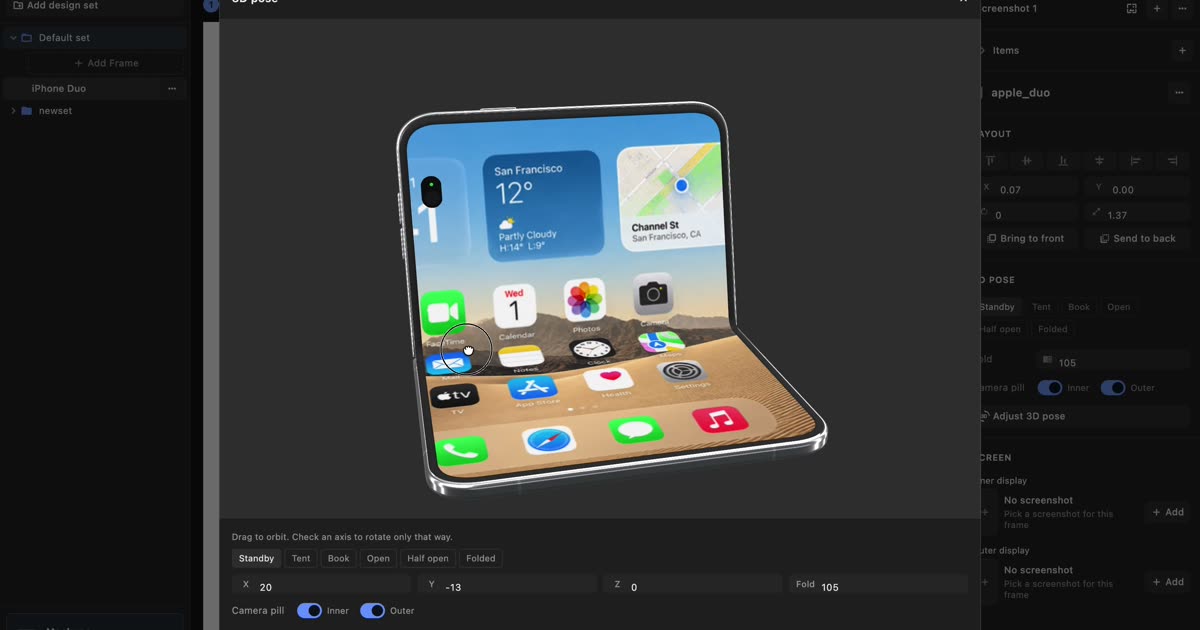
iPhone, iPad, Pixel, and Samsung frames, already sized for the App Store and Play Store.

Device frames
AppShots device frames for iPhone, iPad, Pixel, and Samsung

Without AppShots

Find a mockup, check the pixel size, repeat for every device.

With AppShots

Pick a device and drop your screen in. The size is already right.

Templates

Don’t design the same slide six times.

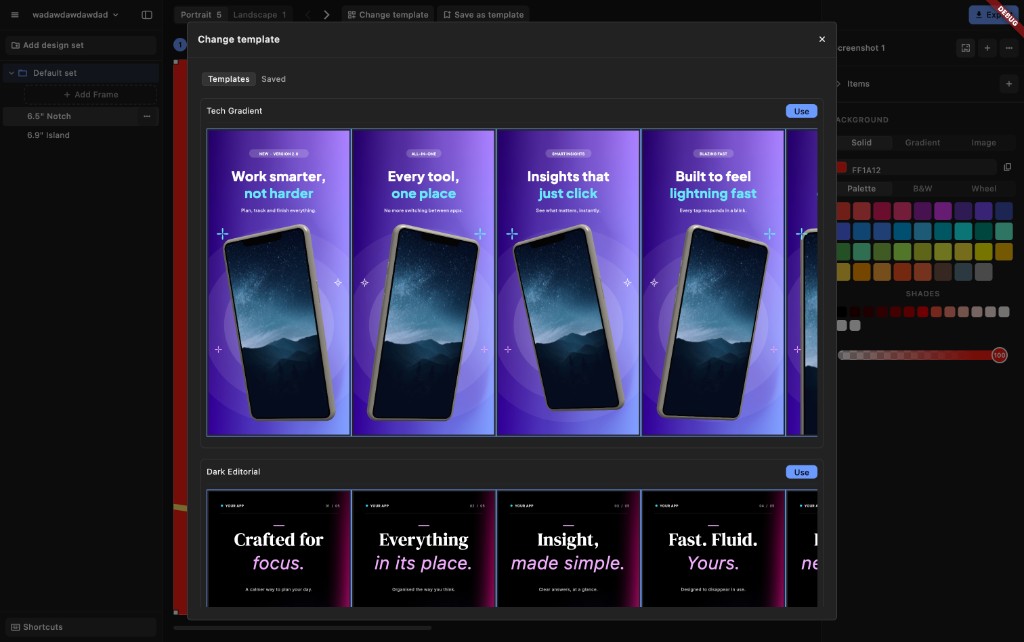
Start from a matching set of screenshots. Swap in your screens and headlines, and you’re most of the way there.

Templates
AppShots templates, each a matching set of screenshots

Without AppShots

Copy slide one five times, then fix everything that drifted.

With AppShots

Every slide already matches. Save your own template for the next app.

Start to finish

This can be done before lunch.

Six steps from a new app to store-ready screenshots.

  1. 01 Create an app
  2. 02 Pick a device
  3. 03 Apply a template
  4. 04 Add your screens
  5. 05 Edit headlines
  6. 06 Export
The editor
AppShots editor with screenshots in progress

Without AppShots

An evening of files and mockups before you design anything.

With AppShots

You’re designing in the first minute.

More devices

iPad shouldn’t mean starting over.

Move a finished design to iPad or Android. Layout, text, and background come with it.

One design, every device

Without AppShots

A new file per device. Fix a headline in one, forget the others.

With AppShots

One design, adapted to every device you ship on.

Backgrounds

A background for every style.

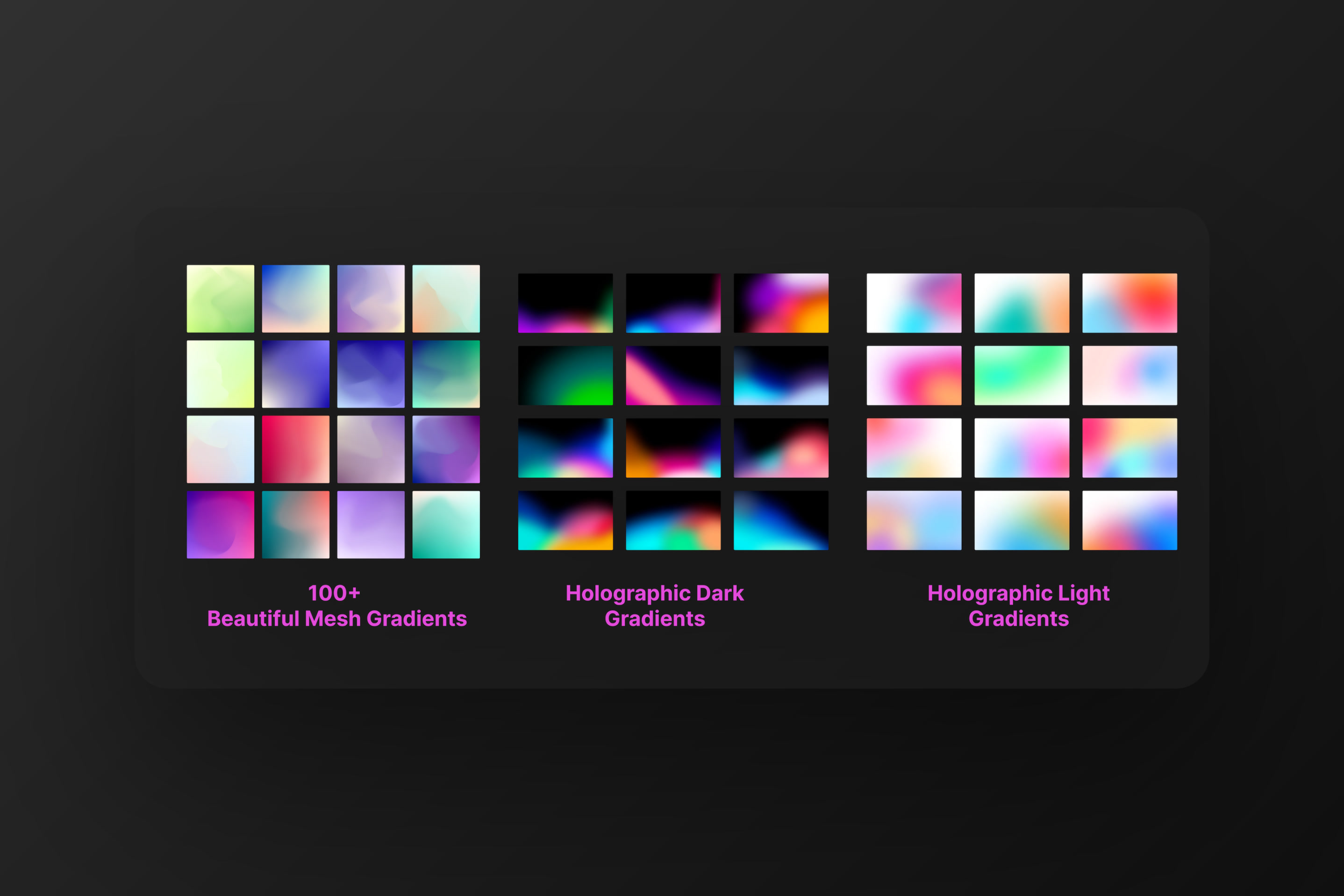
Solid colors, mesh and holographic gradients, your own images, or panoramic backgrounds.

One image across screenshots
One photo spanning five screenshots
Gradient presets
Gradient background presets in AppShots

Without AppShots

Hunt for gradients, build them by hand, match them on every slide.

With AppShots

Pick a style and it applies across your screenshots.

Localization

Every language, one design.

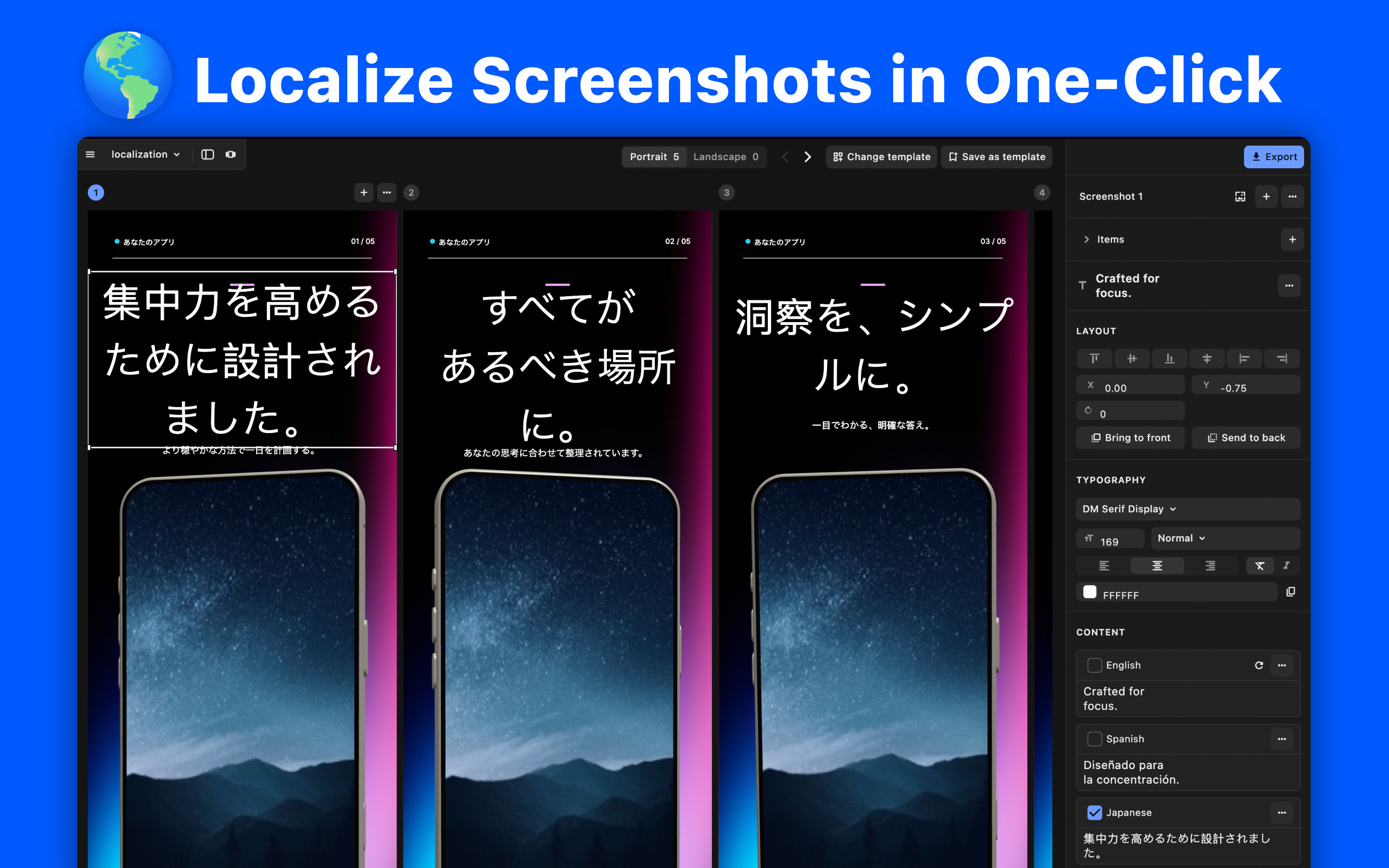
Translate your screenshots into any language in place.

Localization
The same screenshots translated into several languages

Without AppShots

Duplicate the file per language, then translate every headline by hand.

With AppShots

Pick a language and translate. Lock the lines you’ve already polished.

Your apps
AppShots library with several apps

Organization

All your screenshots, in one place.

Every app, device, language, and version, organized for you. Find what you need in seconds.

Without AppShots

Files scattered across folders. Never sure which one is current.

With AppShots

Open AppShots. Everything is where you left it.

Export

Export. Upload. Done.

Export every screenshot at the exact size the App Store and Play Store expect.

Export

Export

This week’s screenshots

5 screenshots · store size

Export

Without AppShots

Export, resize, re-export. Hope the upload isn’t rejected.

With AppShots

One click. Every screenshot is ready to upload.

Testimonials

What developers say

Apps using AppShots

Pricing

Pay once, or pay monthly.

Lifetime includes all future updates.

Selected · Lifetime

$45 $25

One payment. Yours to keep.

Limited-time price

Monthly

$3

Billed monthly. Starts with a 1-day trial.

Get AppShots

7-day refund · 1-day trial · future updates · macOS 11.2+

Questions

How do I install it? +

Install AppShots, then paste the license key from your purchase email to activate.

What are the requirements? +

macOS 11.2 or later.

Do you support Windows or Linux? +

Not yet — Windows and Linux are coming soon. Subscribe to the newsletter for updates.

Is there a trial? +

Yes — the monthly plan starts with a 1-day trial.

Can I get a refund? +

Yes, within 7 days. Email takrutvik@gmail.com.

How do I get support? +

Email takrutvik@gmail.com or write to @AppShotss on X.

Newsletter

Get updates.

New device frames, AI workflows, and news when AppShots comes to Windows and Linux.