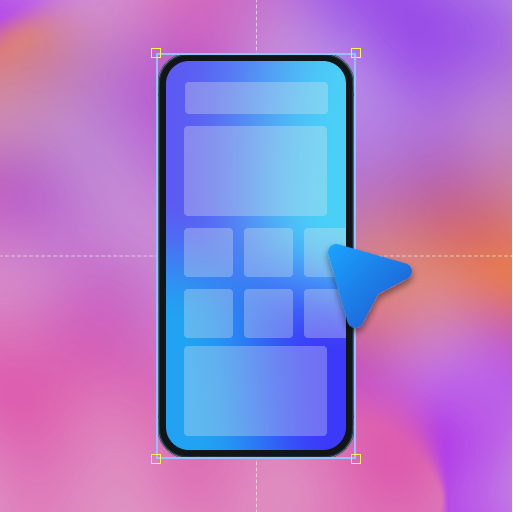
The best Store screenshots rarely come from a device frame and a headline alone. They have a logo, a badge, an arrow or a close-up of the exact piece of UI that sells the feature. AppShots 2.31 makes that easy with custom assets: bring your own images and SVGs into the editor.
Here’s what landed in this release.
Import your own images and SVGs
Right-click a screenshot, choose Add item → Pick imported assets, and drop in anything you’ve imported: logos, emoji, arrows, badges, cut-out pieces of your app’s UI. Your imports are organized under Project assets and Global assets, so the things you reuse are easy to find, right alongside AppShots’ built-in design assets.
Show real product UI, not just a device frame
Import a crop of your real UI, like a card, a sheet or a whole screen, then place, scale and rotate it right on top of the design. Layer it over a device frame and you get a callout that points straight at the feature you’re selling.
Add borders and backgrounds that make assets pop
Any imported or existing design asset can now have a border. Set the thickness, choose solid or gradient, and pick a color from the palette. A bold pink outline is enough to lift a card off a busy gradient background.
You can also set a custom background color on imported and existing assets, so a transparent cut-out can sit on its own tile.
Crop and resize in place
Need only part of an image? Crop it with Free, 1:1, 4:3, 16:9 or Original presets, then resize it right on the canvas, even letting it bleed off the edge of the tile for depth.
Try it
AppShots 2.31 is out now for macOS 11.2+. Download the latest version to try out these new additions, and see the full release history for everything that’s shipped so far.