
Overview
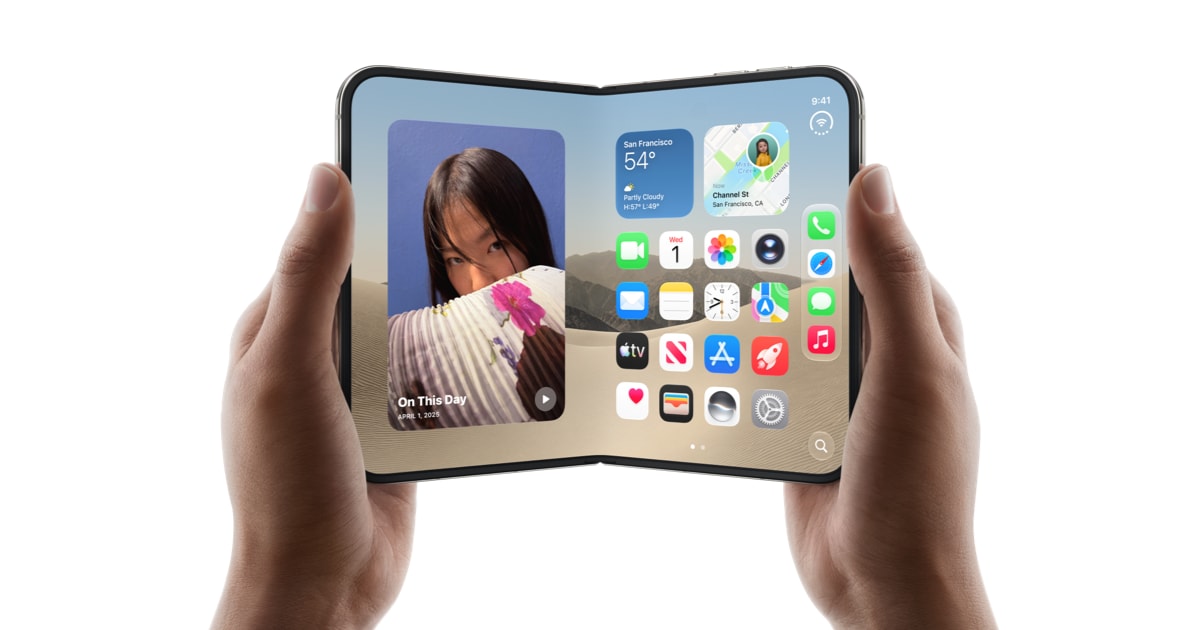
Apple announced iPhone Duo, its brand new foldable, on September 9 during a special Apple event. And since October 23 last month, iPhone Duo orders are getting shipped to people who bought it. And it’s been a fun ride seeing how people are using iPhone Duo, and the opportunities for creative experiences it has opened up for app developers.
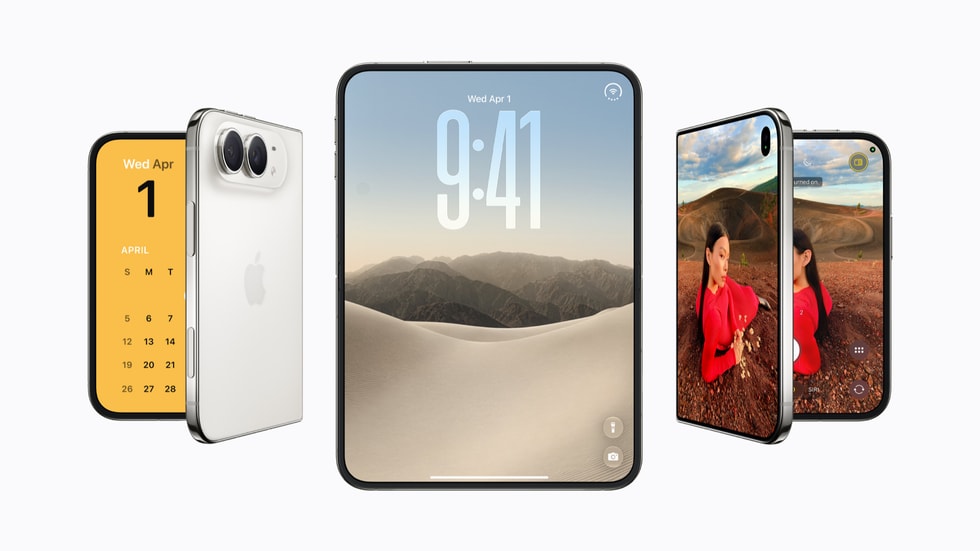
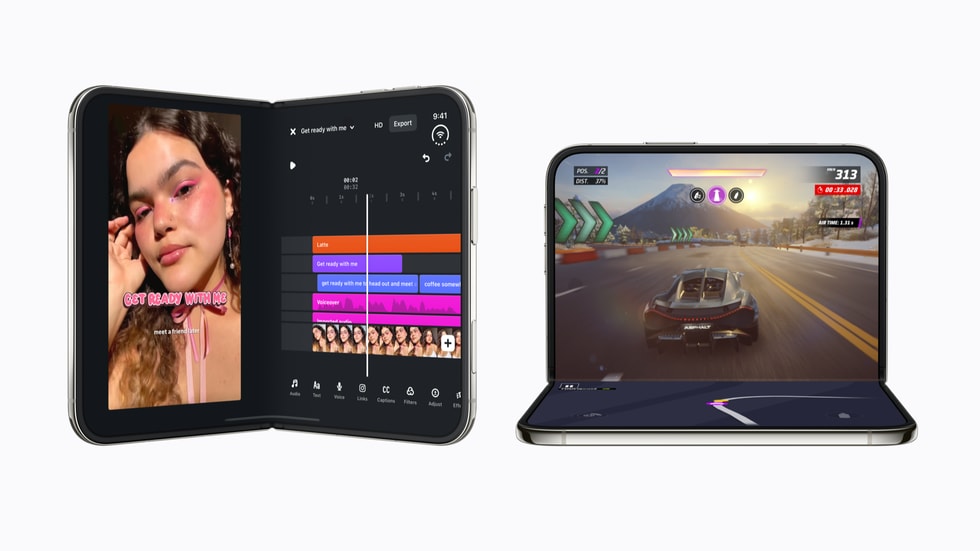
People are coming up with new ways and ideas to experience things on iPhone Duo, or building apps entirely for iPhone Duo. Some of those apps are crazy! Like Deck-Man, which turns iPhone Duo into a retro cassette player.

What it means for you as a developer?
As a developer, you would ask, “Do I need to support iPhone Duo in my app? Is it truly worth it?” I believe it is! Here’s why.
New Market
According to Apple, there are already well over 100k apps that support and are optimized for iPhone Duo so far on the App Store. You can already see that there’s a whole new market that’s opening up for app developers. And it’s high time to capitalize on it early on while there’s less saturation.
Opportunities
Although the number of people owning iPhone Duo is not that high right now compared to iPhone or other Apple devices, that’s expected to grow as the foldables market grows, and Apple stands to gain from it as iPhone Duo is considered a premium product in that market.
As a developer, you have the opportunity to dive into this market early on. People who own Duo will be looking for apps that run and feel good on iPhone Duo. In this early stage, you can go ahead and create unique apps and experiences that are built for Duo.
Made for iPhone Duo badge
Apple has added brand new editorial collections on the App Store which showcase apps that support iPhone Duo. Supported apps also get a Made for iPhone Duo badge on the App Store.
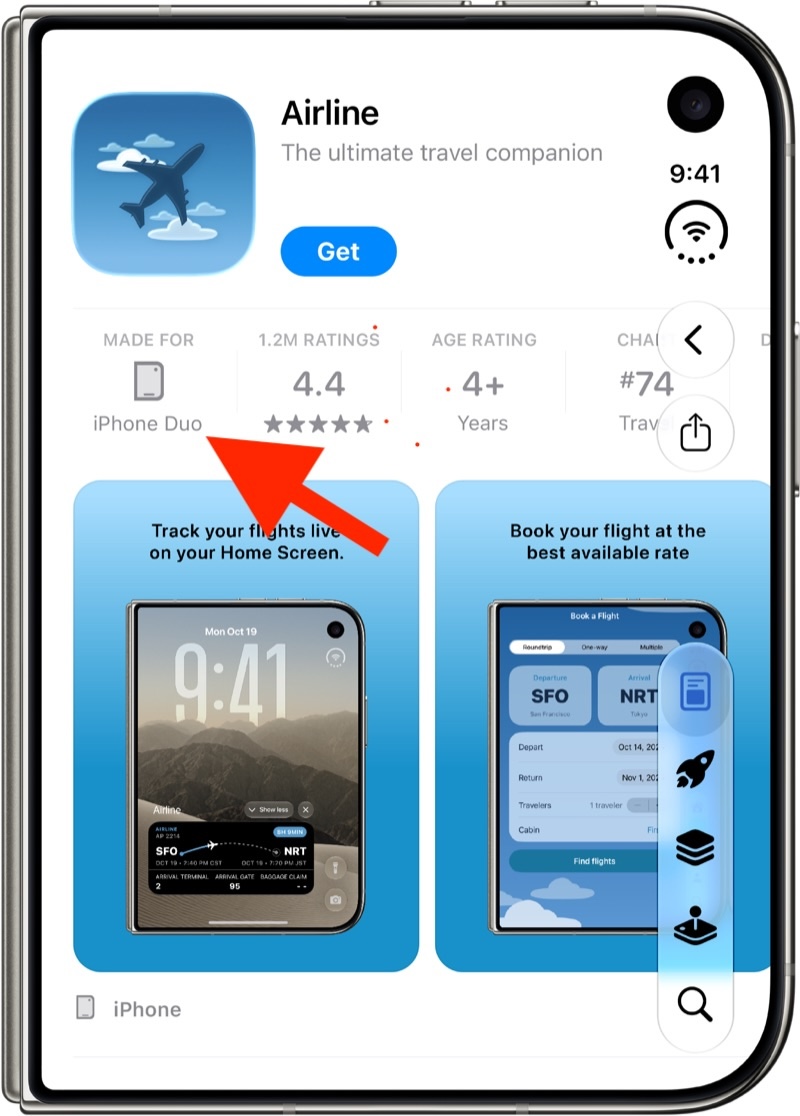
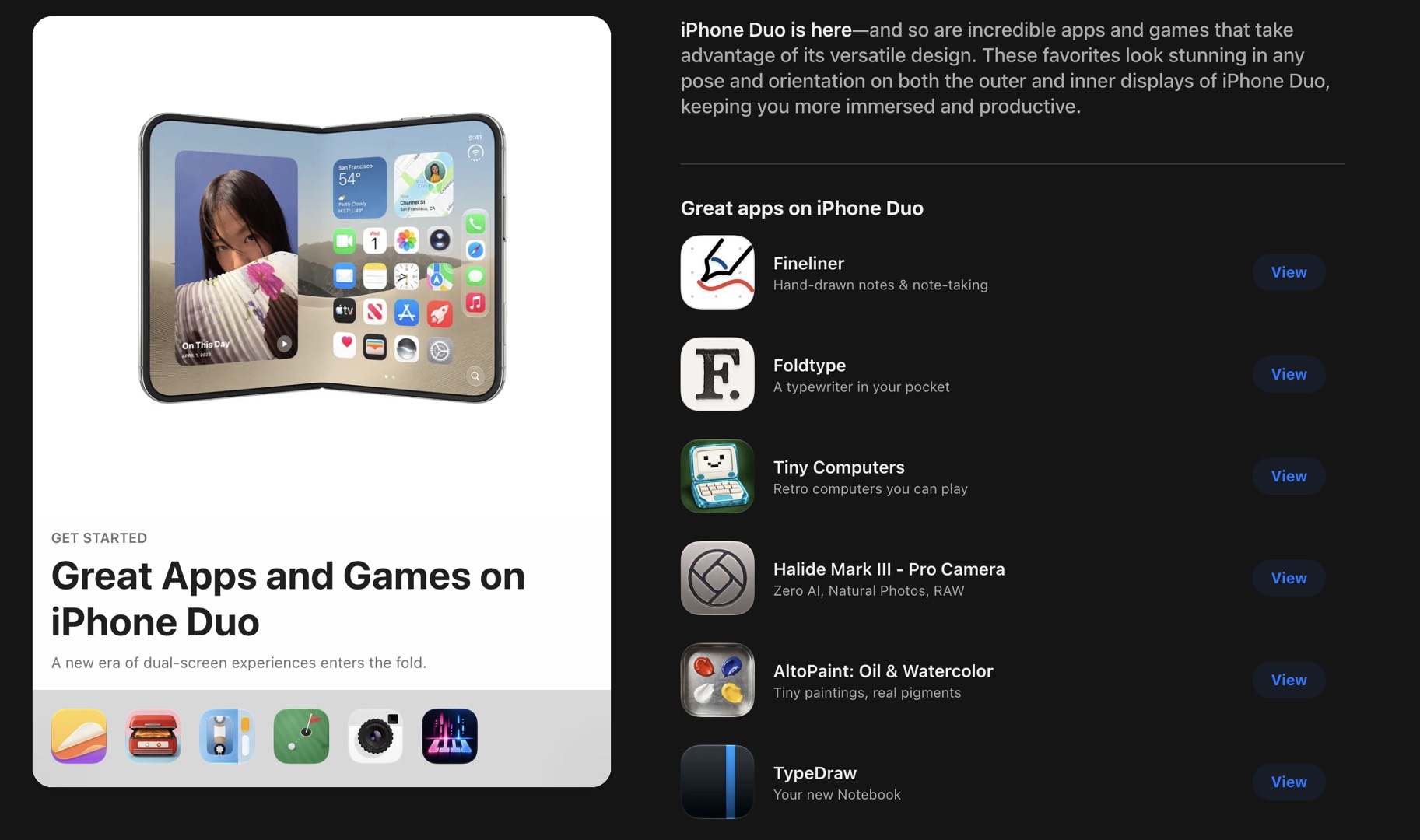
This is a good opportunity for you to get free advertisement on the App Store if your apps support iPhone Duo. Especially if you’re an indie builder, then I would definitely recommend doing so.
The badge is tied to your screenshots. Apple says your product page shows the badge when you submit iPhone Duo screenshots in App Store Connect. You can also submit a featuring nomination and mention in the helpful details section that your app is optimized for iPhone Duo, so the App Store editorial team knows about it.
Designing iPhone Duo App Store Assets
With Great Devices, Comes Great Screenshot Guidelines. I feel like I’ve heard that before somewhere.
Anyway, if you’re preparing your app for iPhone Duo, then here’s everything you need to know about specifications and design guidelines around submitting app preview video and screenshot assets to the App Store.
Starting in April 2027, iPhone Duo screenshots will be required for any app using the iOS 27.1 SDK or later. Source: Apple screenshot specifications.
Inner & Outer Display
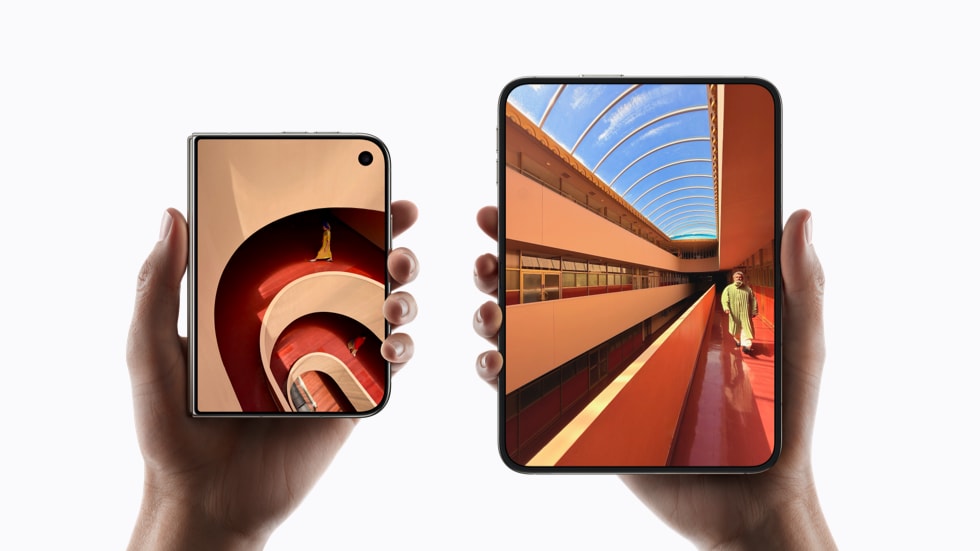
| Outer display | Inner display | |
|---|---|---|
| Size | 5.4-inch | 7.6-inch |
| Compared to iPhone | 90% of iPhone 18 Pro Screen | 50% larger than iPhone 18 Pro Max Screen |
Both displays share the same aspect ratio, so your app scales proportionally on inner and outer displays.
Screenshot Specs for Inner & Outer Display
| Outer display | Inner display | |
|---|---|---|
| Portrait | 1398 x 2034 px | 2007 x 2853 px |
| Landscape | 2034 x 1398 px | 2853 x 2007 px |
| Format | .jpeg, .jpg or .png | .jpeg, .jpg or .png |
| Count | 1 to 10 screenshots | 1 to 10 screenshots |
Images can’t include alpha channels or transparency. Source: Apple screenshot specifications.
Preview Video Specs
There aren’t separate app preview sizes for the inner and outer display. iPhone Duo app previews use the same 19.5:9 video dimensions as other iPhone models.
| App preview | |
|---|---|
| Resolution | 886 x 1920 px (portrait) or 1920 x 886 px (landscape) |
| Format | .mov, .m4v or .mp4 (H.264), .mov (ProRes 422 HQ) |
| Frame rate | Up to 30 fps |
| Length | 15 to 30 seconds |
| File size | Up to 500 MB |
| Count | Up to 3 per language |
Note: Because 19.5:9 previews don’t match the aspect ratio of iPhone Duo screenshots, Apple shows them in the “A Closer Look” section of your product page instead of before your screenshots. Source: Apple app preview specifications.
Design Tips
-
Show your app across different orientations
People will use iPhone DUO in different ways, for doing different things. So, you’ve to account for what they expect to see when they are looking for an app.
Let’s say, someone who wants to read on iPhone DUO, would be more interested to see how your app looks on the inner display which has almost twice the space for reading view. Having those type of captures in your screenshots will increase the likelyhood of that person tapping on your app, and downloading it.
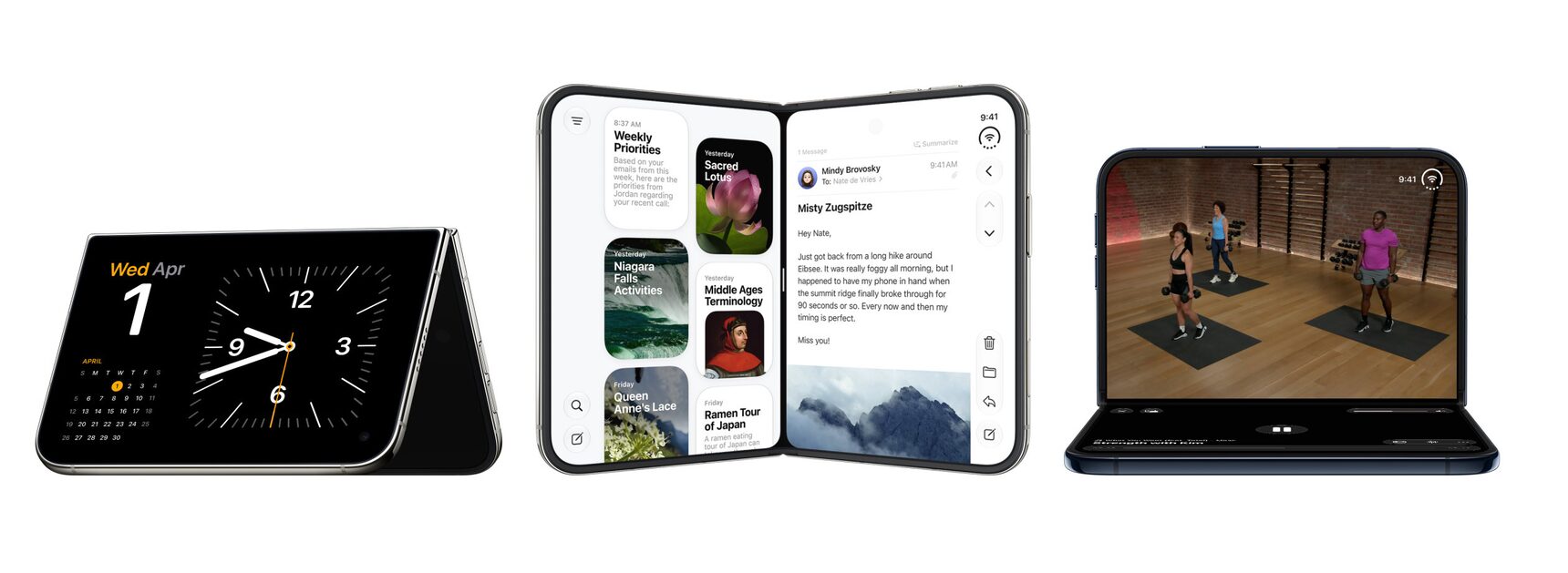
src: Apple You’ve to account for what your audience expects, and make sure your screenshots reflect how your app looks across inner and outer displays, as well as different orientations of the device.
-
Preview before you submit. Use the new preview tool in App Store Connect to see how your screenshots, product page header and other metadata looks on iPhone Duo. Make sure the message you want to convey is clearly readable, and understandable from your screenshots.
Read more from Apple about designing your store assets here.
Inspiration for Store Screenshots
Apple’s Great Apps and Games on iPhone Duo collection is a good place to see how other developers are designing their iPhone Duo screenshots.
Conclusion
So, to sum it all up, iPhone DUO is here, and it’s time for you to get your app and your store screenshots/previews ready for DUO store. Many people are coming up with crazy ideas to build for DUO, and we’ll likely see more creative ways people invent to use DUO for productivity, or just for fun. Let’s see how this unfolds!
iPhone DUO in AppShots
Start creating your iPhone Duo store screenshots in AppShots. Check it out here