iPhone Duo and desktop app Store screenshots support has landed in AppShots v2.40, now live on App Store.
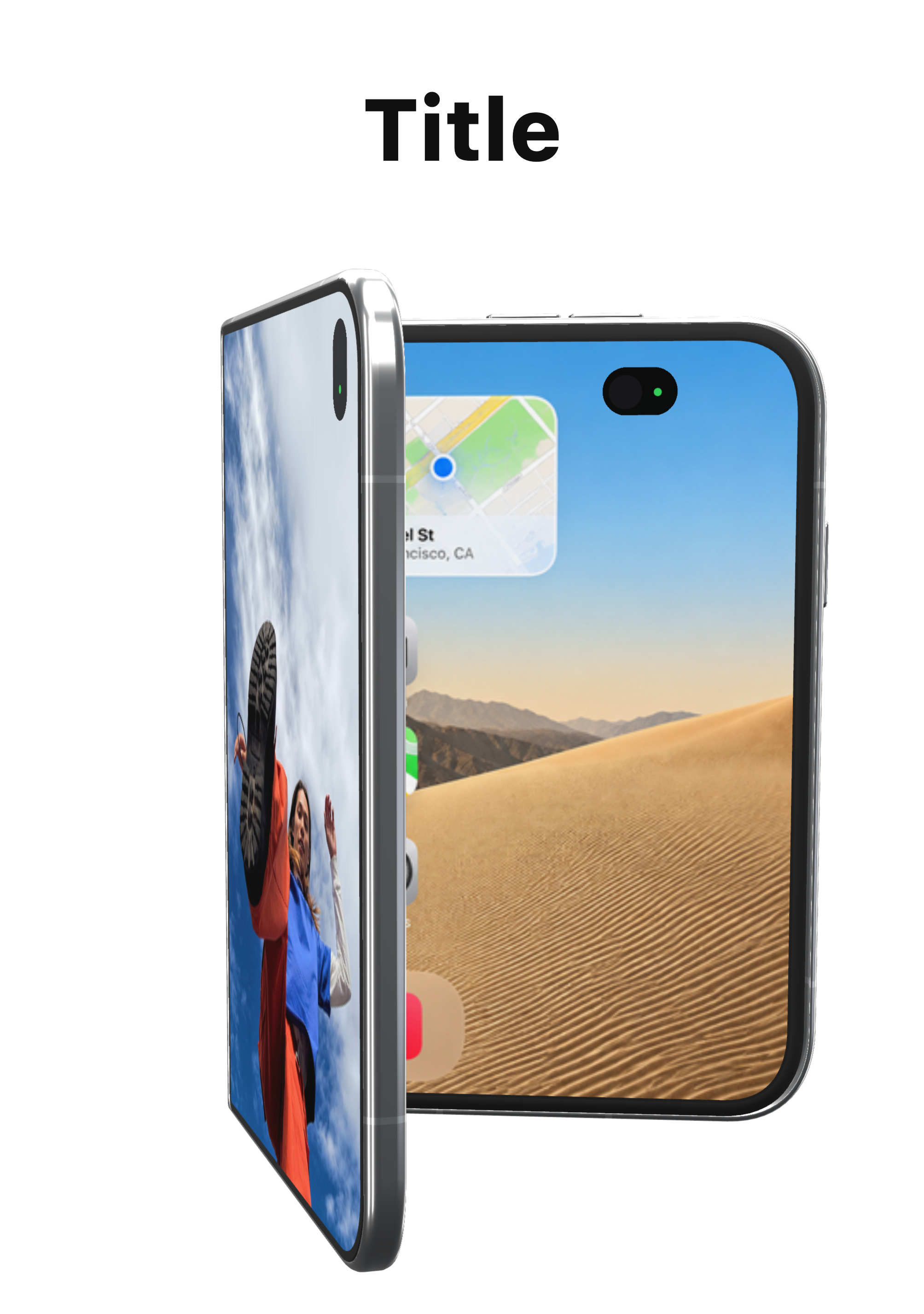
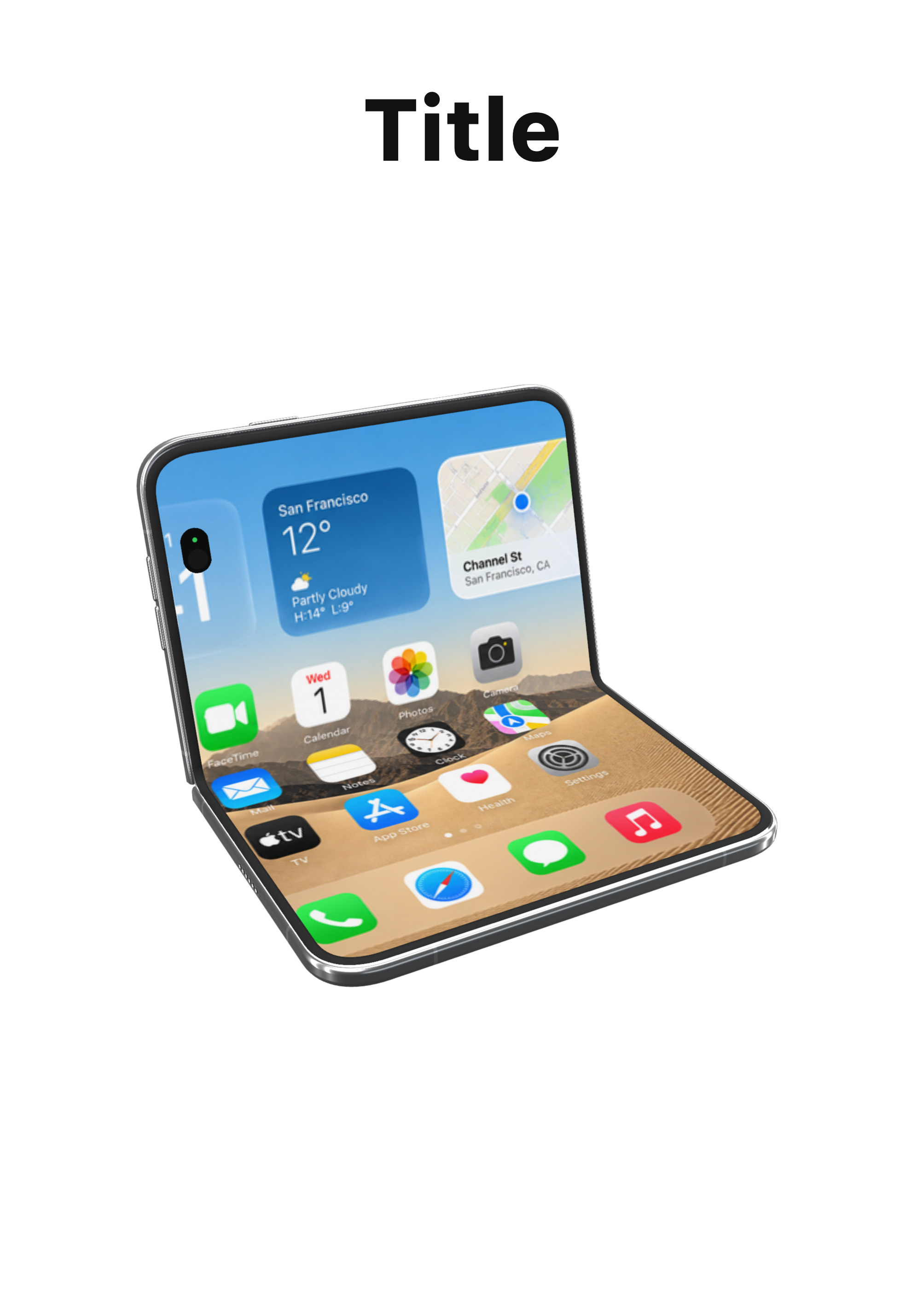
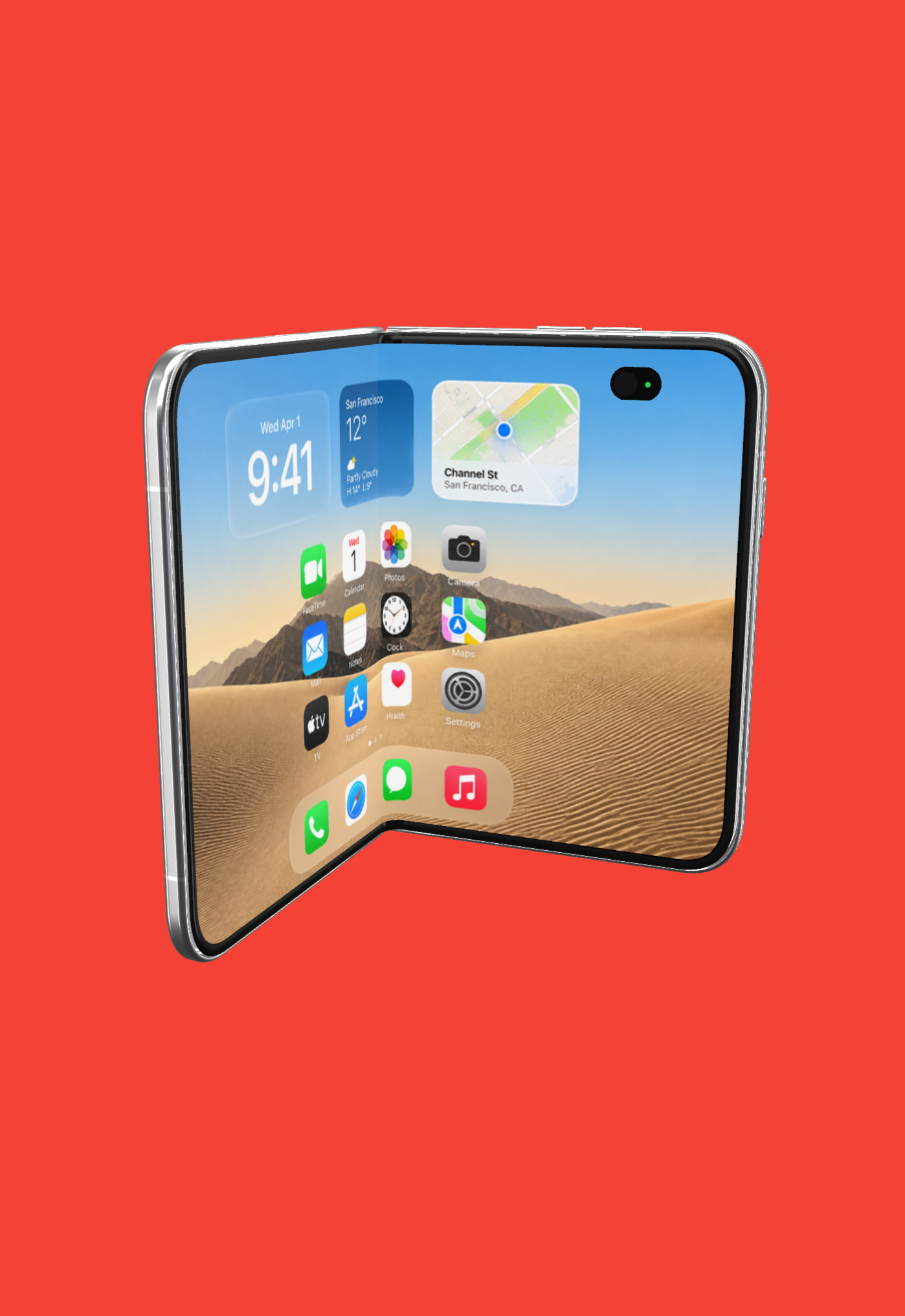
iPhone Duo
Duo listings are two sizes. AppShots treats them as Inner and Outer on the same frame, so you can keep a screenshots for inner and outer display separate but in the same frame.
You can fully control how you pose the DUO’s inner and outer frame. Some positioning presets cover Standby, Tent, Book, Open, Half open, and Folded.
Desktop App Store Screenshots
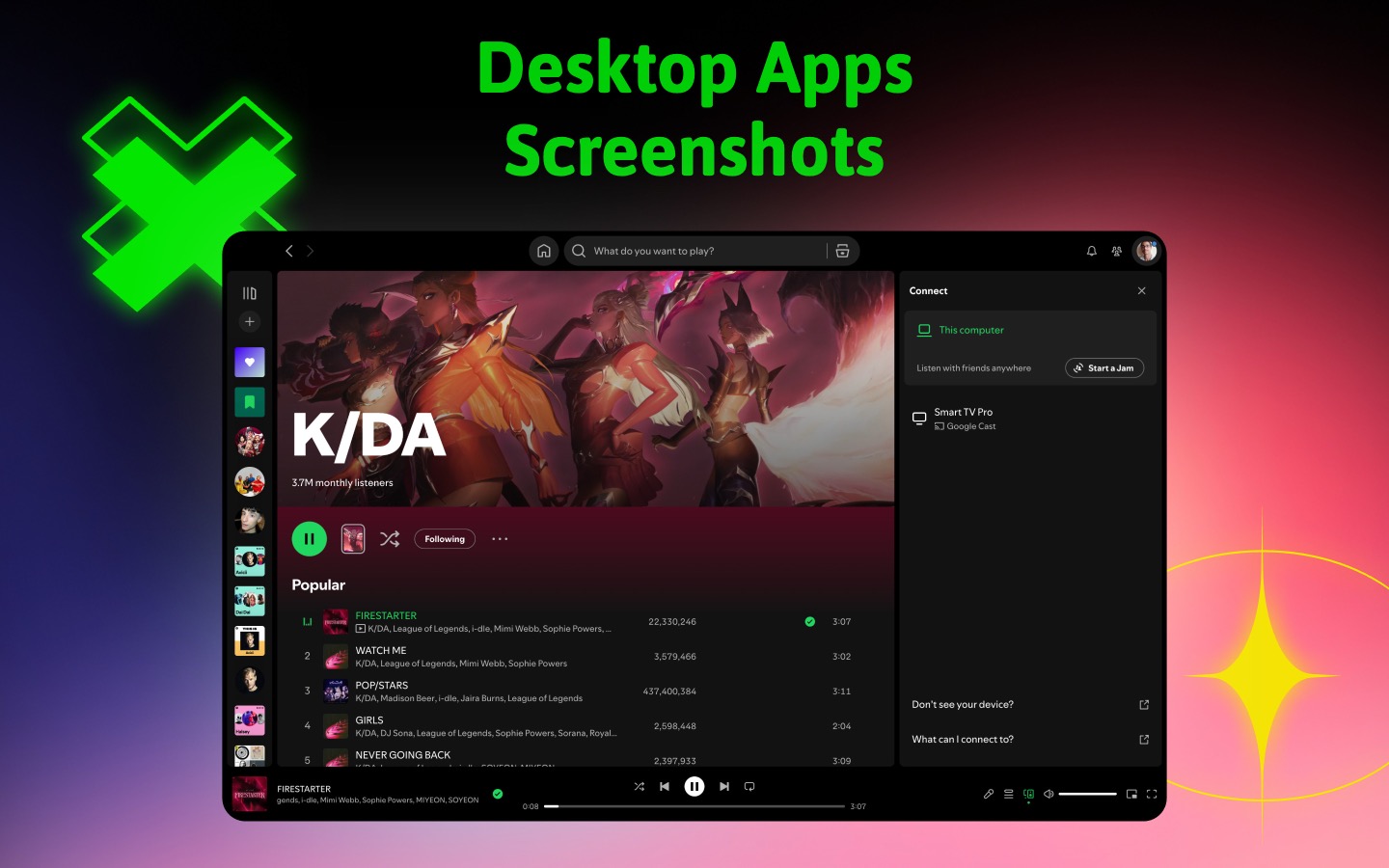
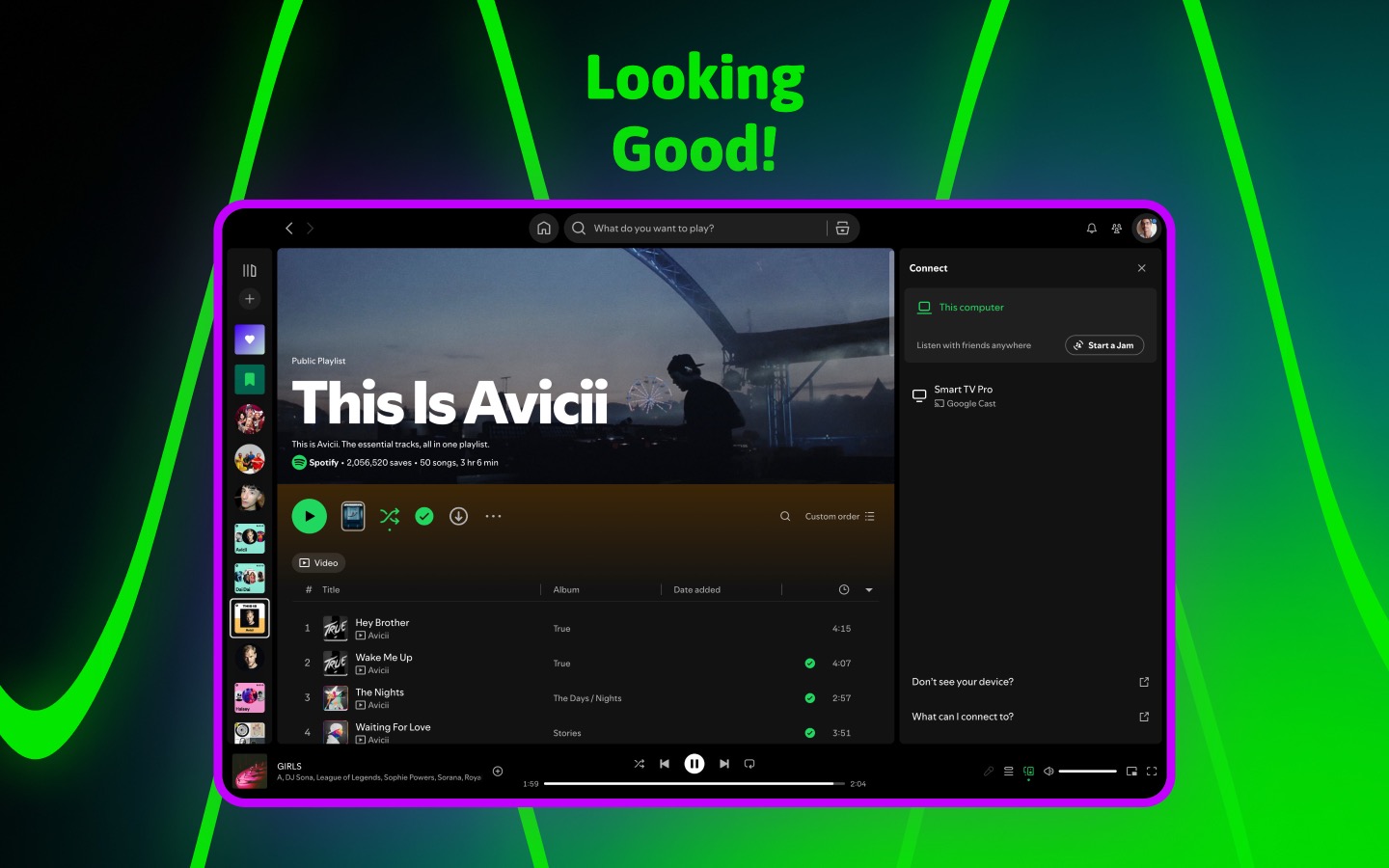
Create store screenshots for your desktop apps now within AppShots. A new Desktop frame is available in the frame picker for creating desktop store screenshots.
Exported desktop screenshots follows app store desktop screenshot dimensions.
A full walkthrough video is coming. Until then, here are two preview exports from a 16:10 desktop frame.
Try it
AppShots 2.40 is out now for macOS 11.2+. Download the latest version from the App Store for iPhone Duo and desktop screenshot support.