
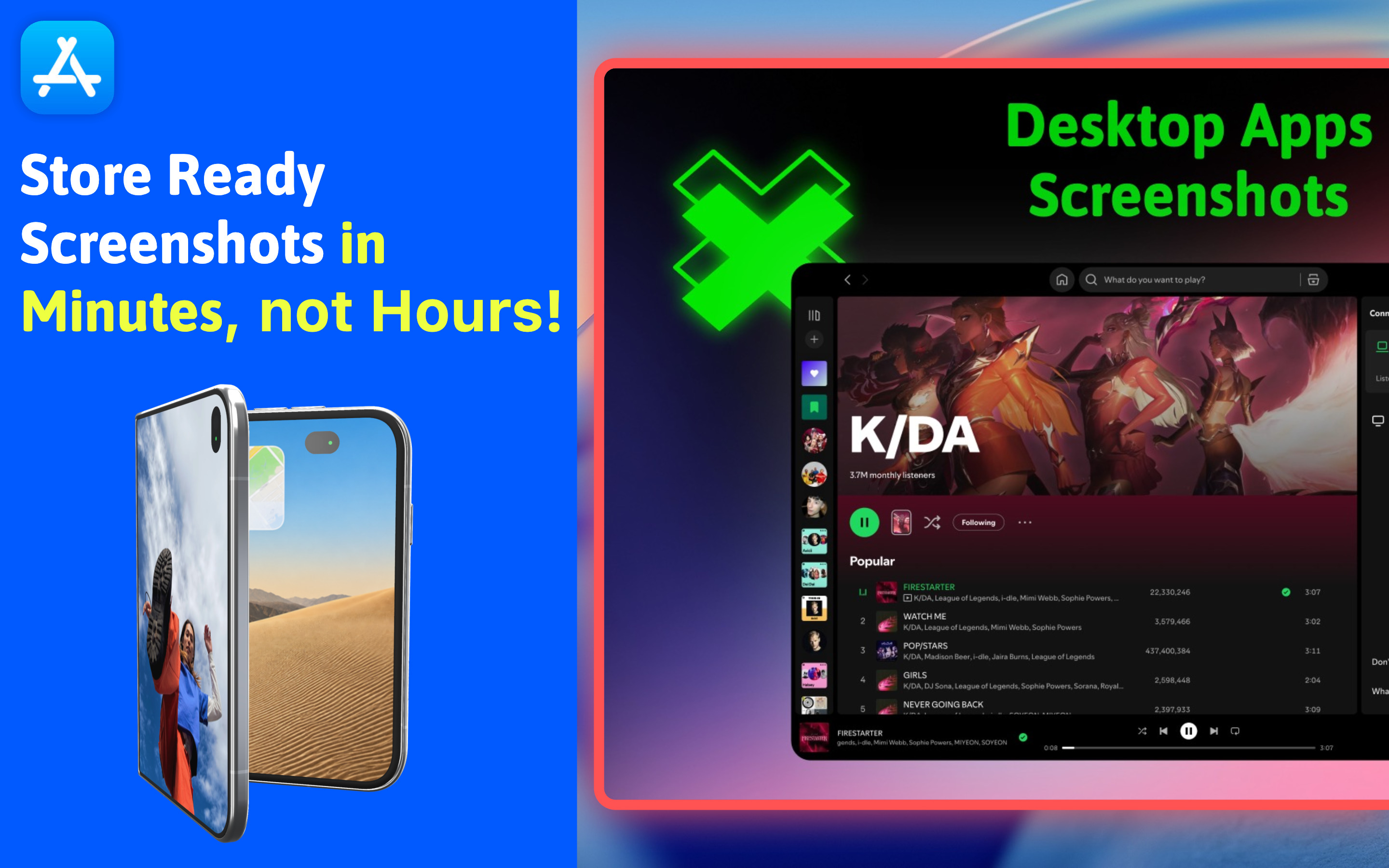
Tired of spending hours generating Mac screenshots for your apps? Spending too much time following store screenshot guidelines? Want a native app that handles it all? Say no more!
AppShots takes care of all that, and helps you generate Mac app screenshots in minutes instead of hours.
AppShots is a native Mac app for those who want a professional screenshot creation experience without all the hassle of creating/managing store screenshots. AppShots takes care of following the store screenshot guidelines for the App Store, and provides an easy-to-use design editor where you can create store screenshots and mockups in minutes.
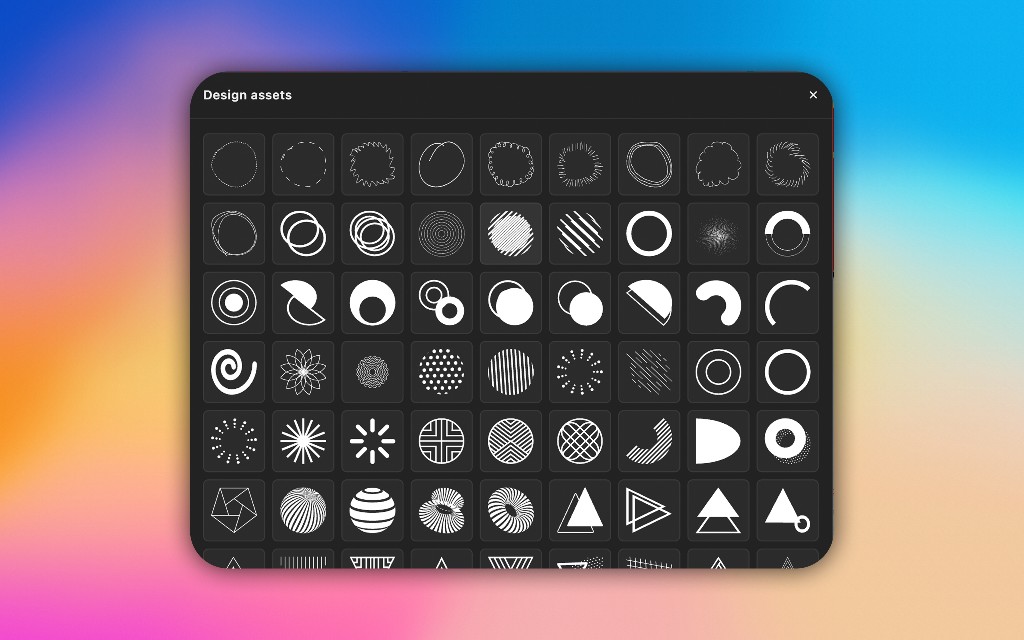
Design assets
Spice up your store screenshots with unique design assets AppShots provides, or import your own images/SVGs to create a unique brand identity.
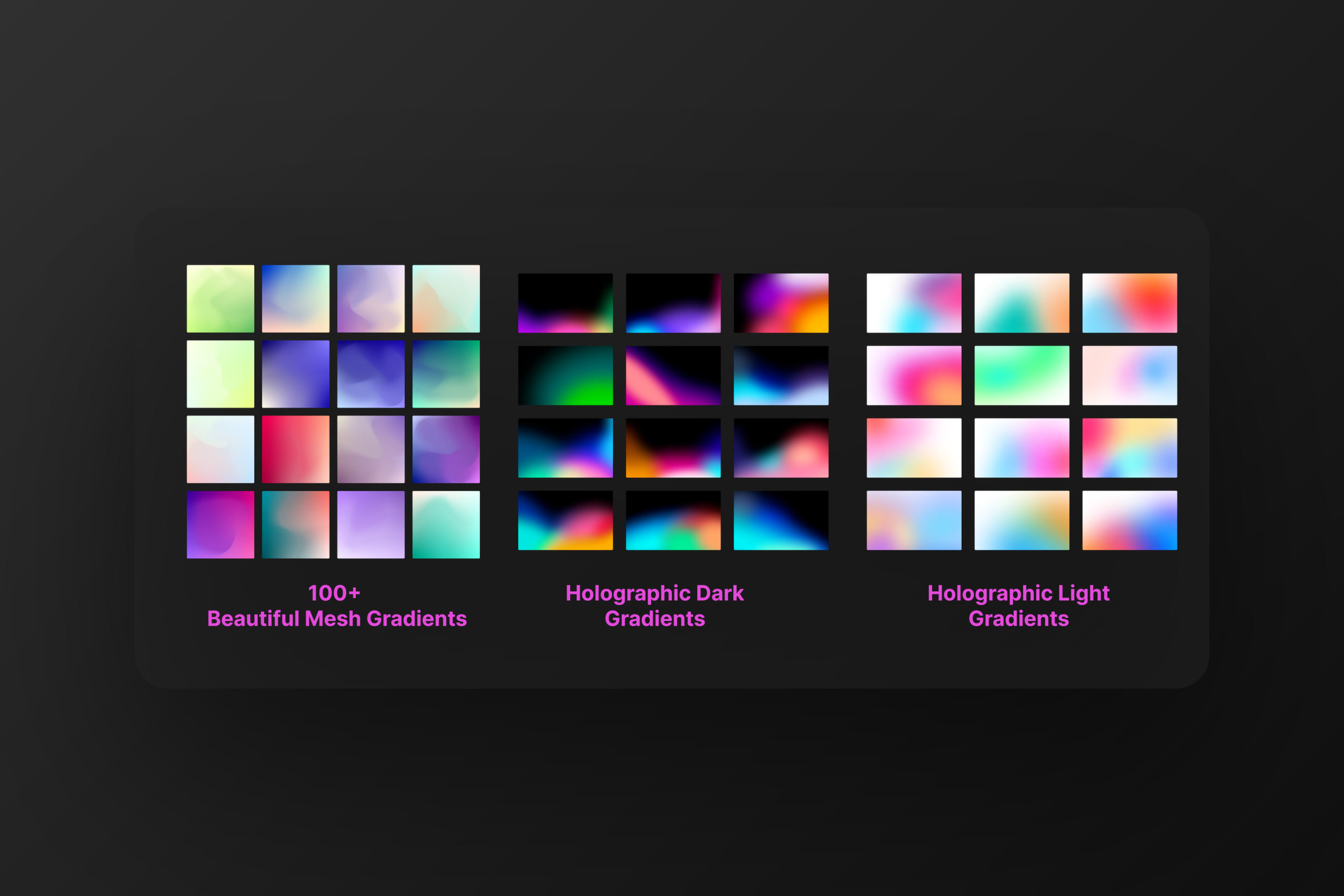
Backgrounds & presets
Easily change any part of your store screenshots. Pick from 100+ background presets like mesh gradients or holographic gradients to elevate your screenshot designs.
Localization
Creating store screenshots for multiple locales? AppShots does that for you automatically. Just pick your target locale, and AppShots translates all your screenshot text. Localization of screenshots is easy and quick with AppShots.
Publish directly to App Store Connect
No more manually exporting/uploading store screenshots. Use AppShots to directly push store screenshots to the App Store Connect dashboard for your apps.
Conclusion
Don’t spend hours finding device frames, localizing screenshots or looking up store screenshot guidelines. Let AppShots take care of that, and you focus on what matters most: Your app!