 Download for Mac
 Download for Windows
 Download for Linux
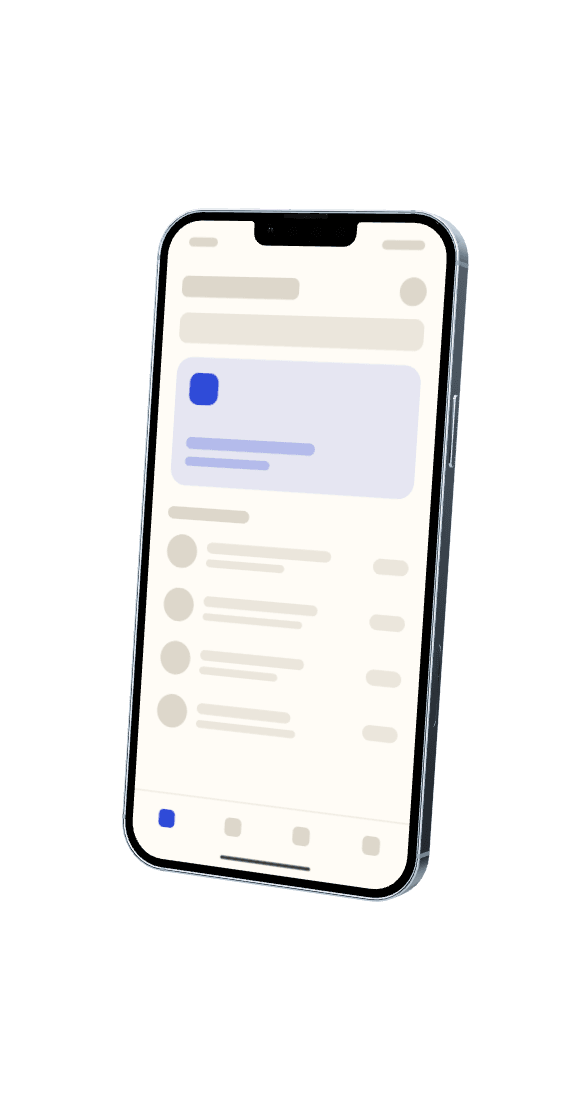
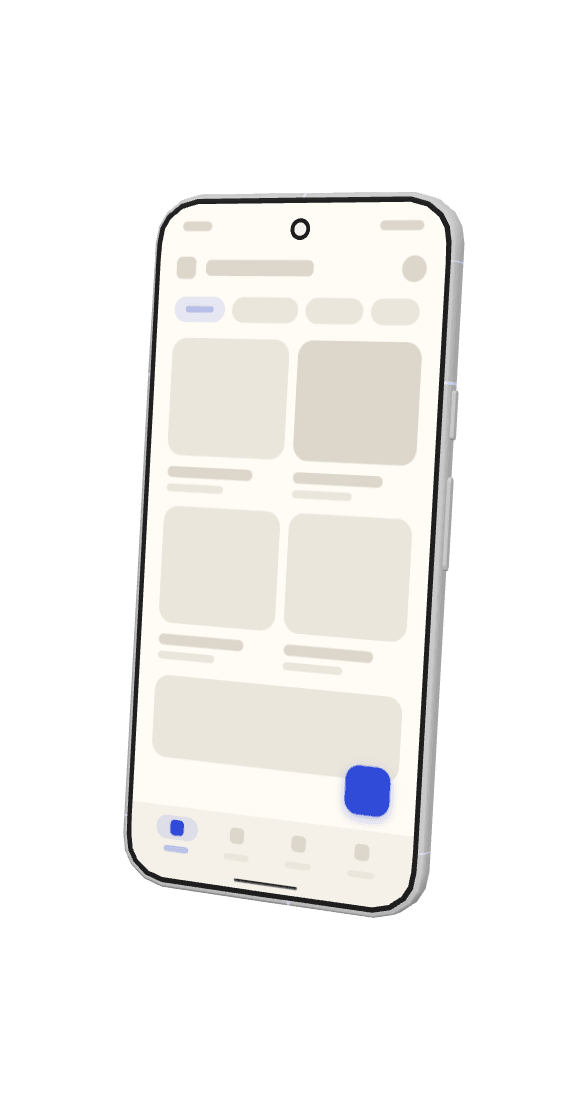
Real 3D device frames
iPhone, iPhone DUO, iPad, Android and Desktop.

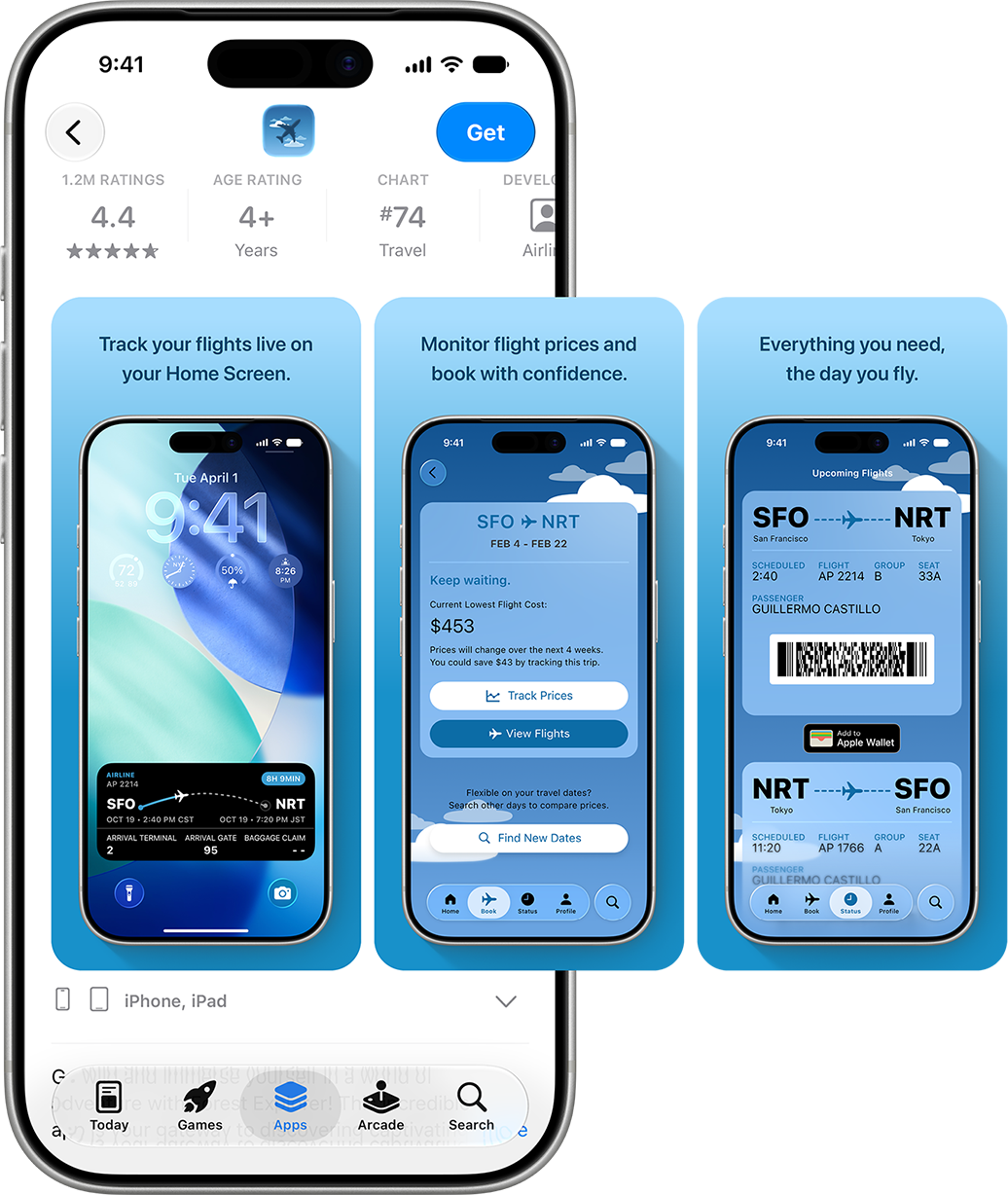
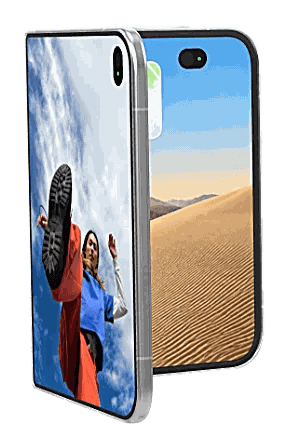
Don't waste hours creating iPhone DUO store screenshots! Create DUO inner/outer screenshots in various poses in minutes, not hours. You focus on what matters most: Your app.











Used by 100s of developers to speed up their workflow!
iPhone, iPhone DUO, iPad, Android and Desktop.
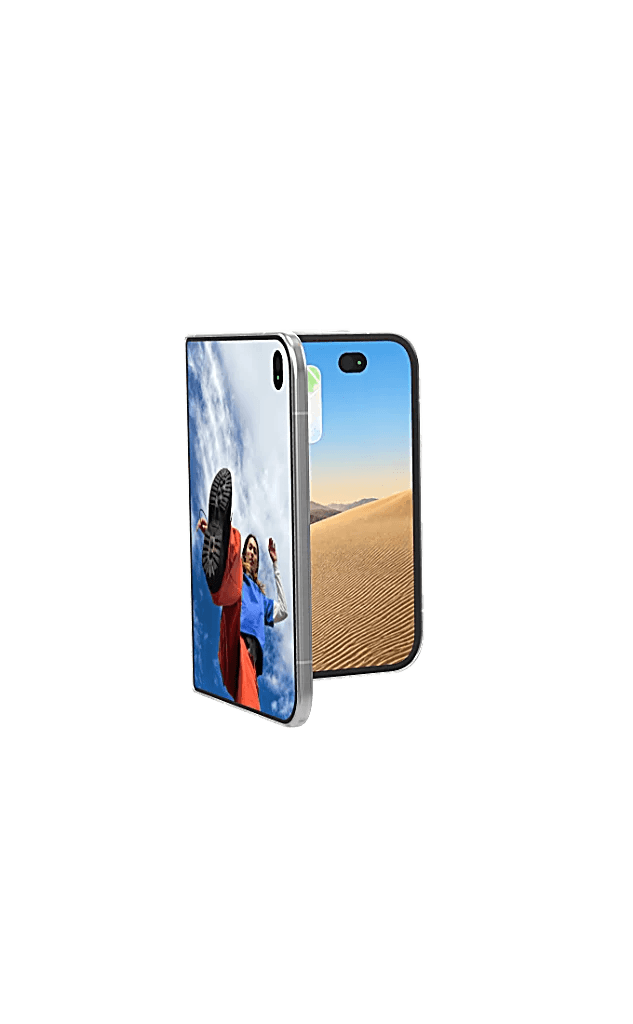
Work with latest device frames.
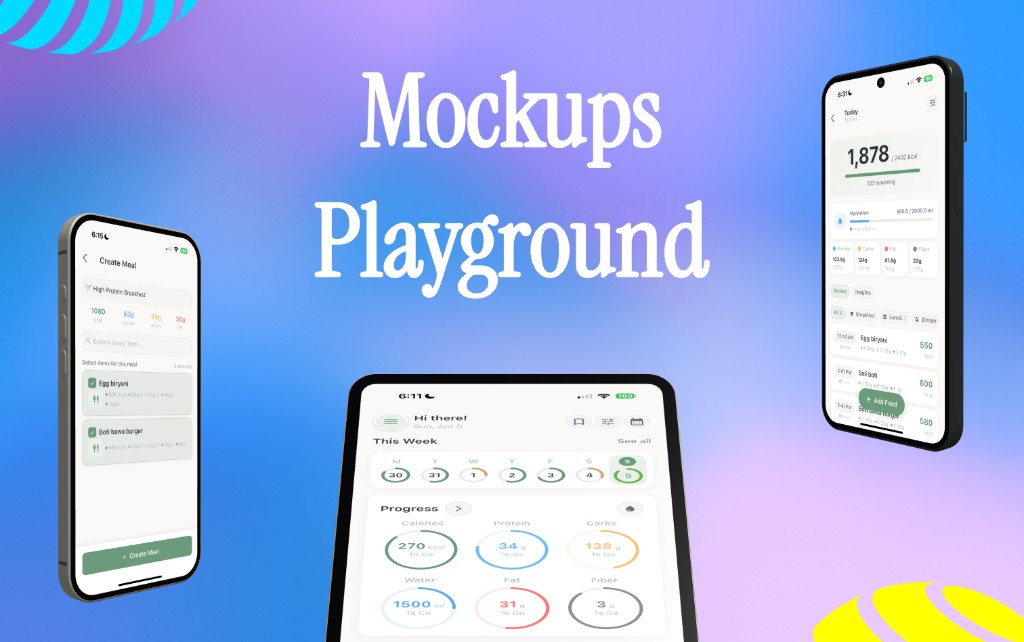
Mockups for sharing and marketing.
Translate screenshot text into every store language, and manage all your locales from one artboard.
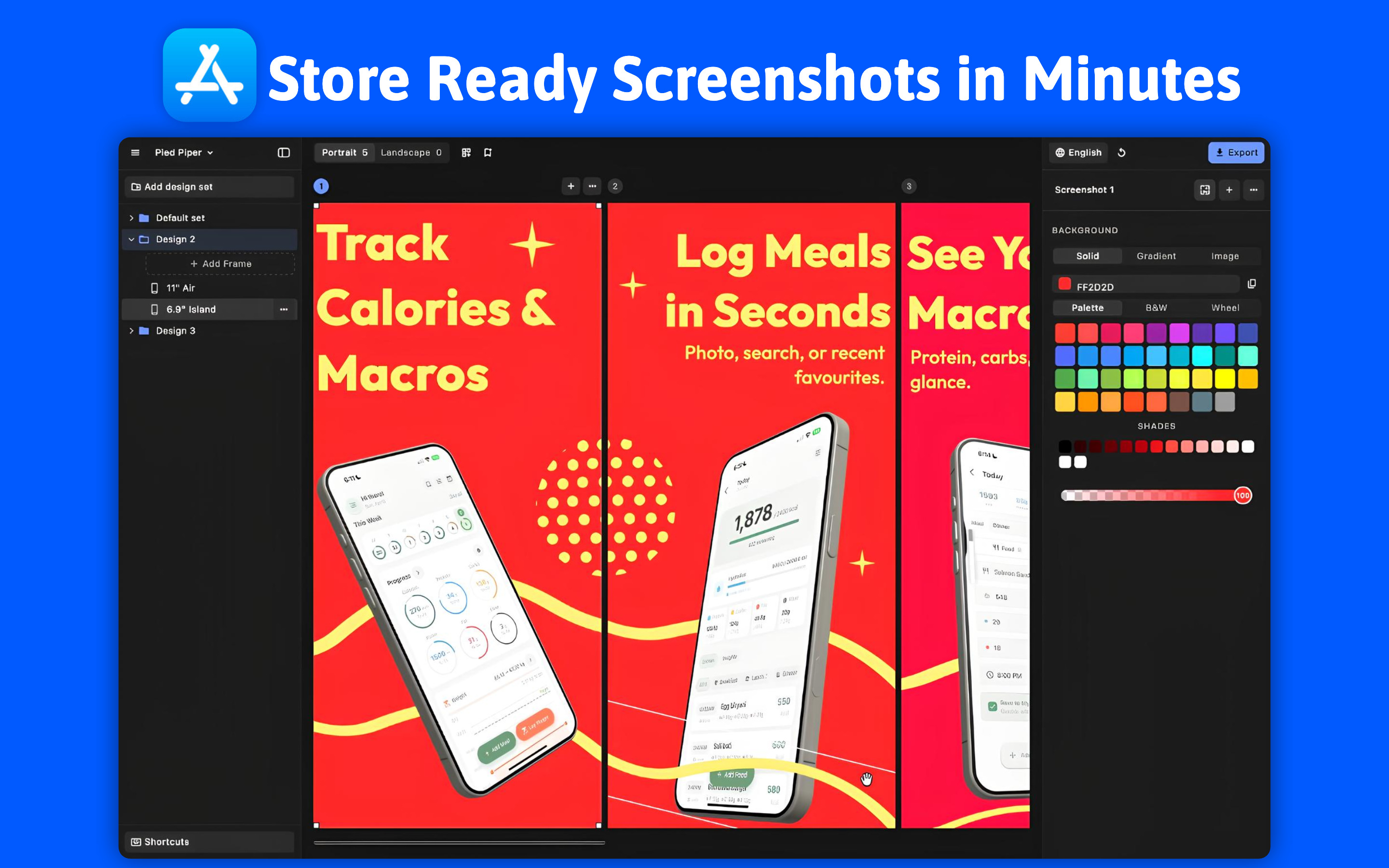
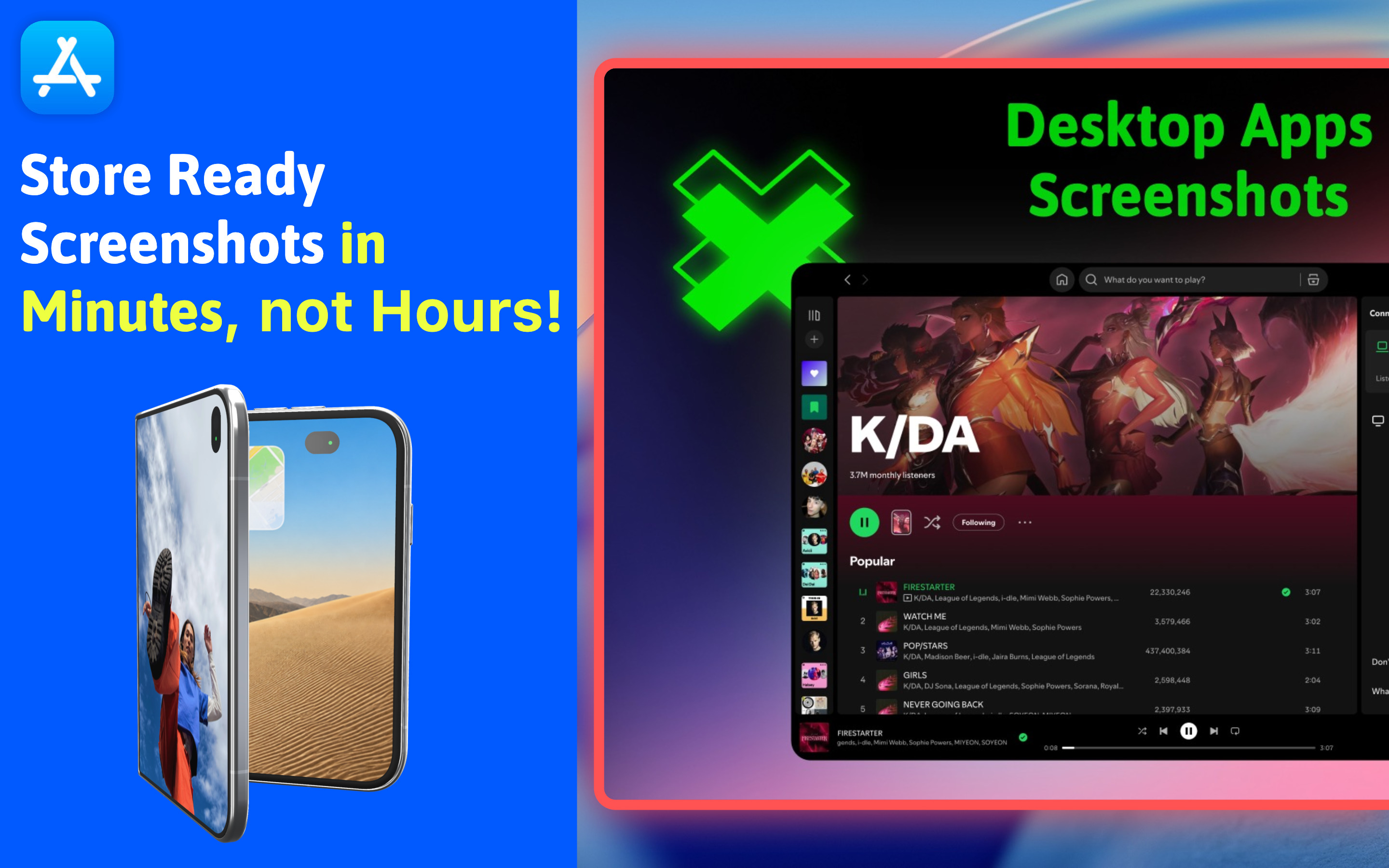
Create store screenshots for your desktop apps.
Publish directly to App Store.
Fonts, gradients, mesh backgrounds, design assets and templates.
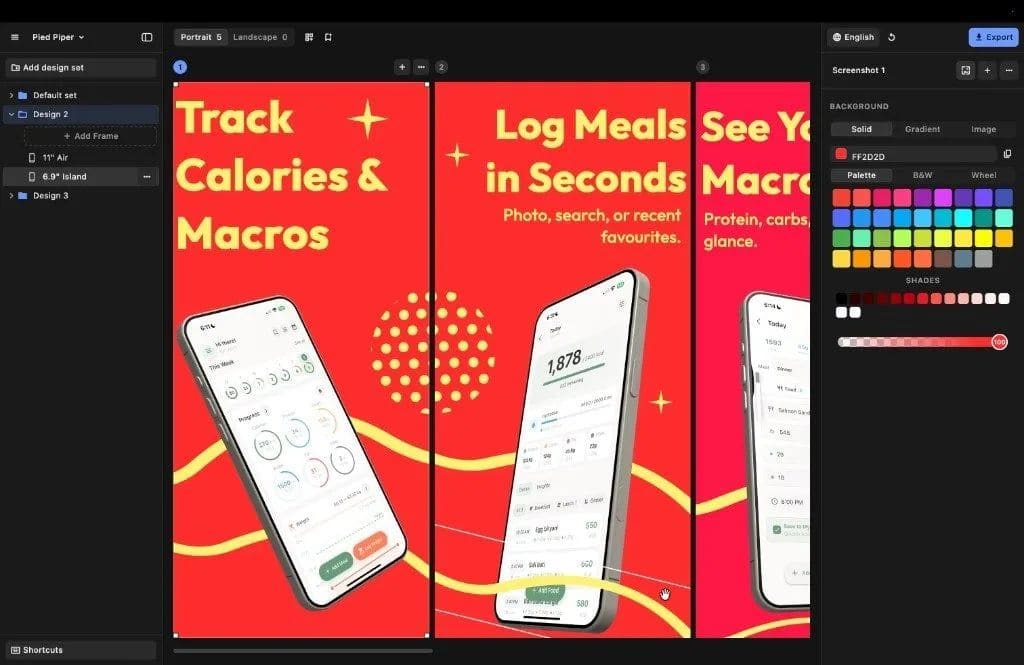
Built natively for macOS, Windows & Linux and fully usable offline.
From a blank canvas to store-ready screenshots in minutes.
Pick from professional sets of well designed templates, or create your own custom templates for re-use.
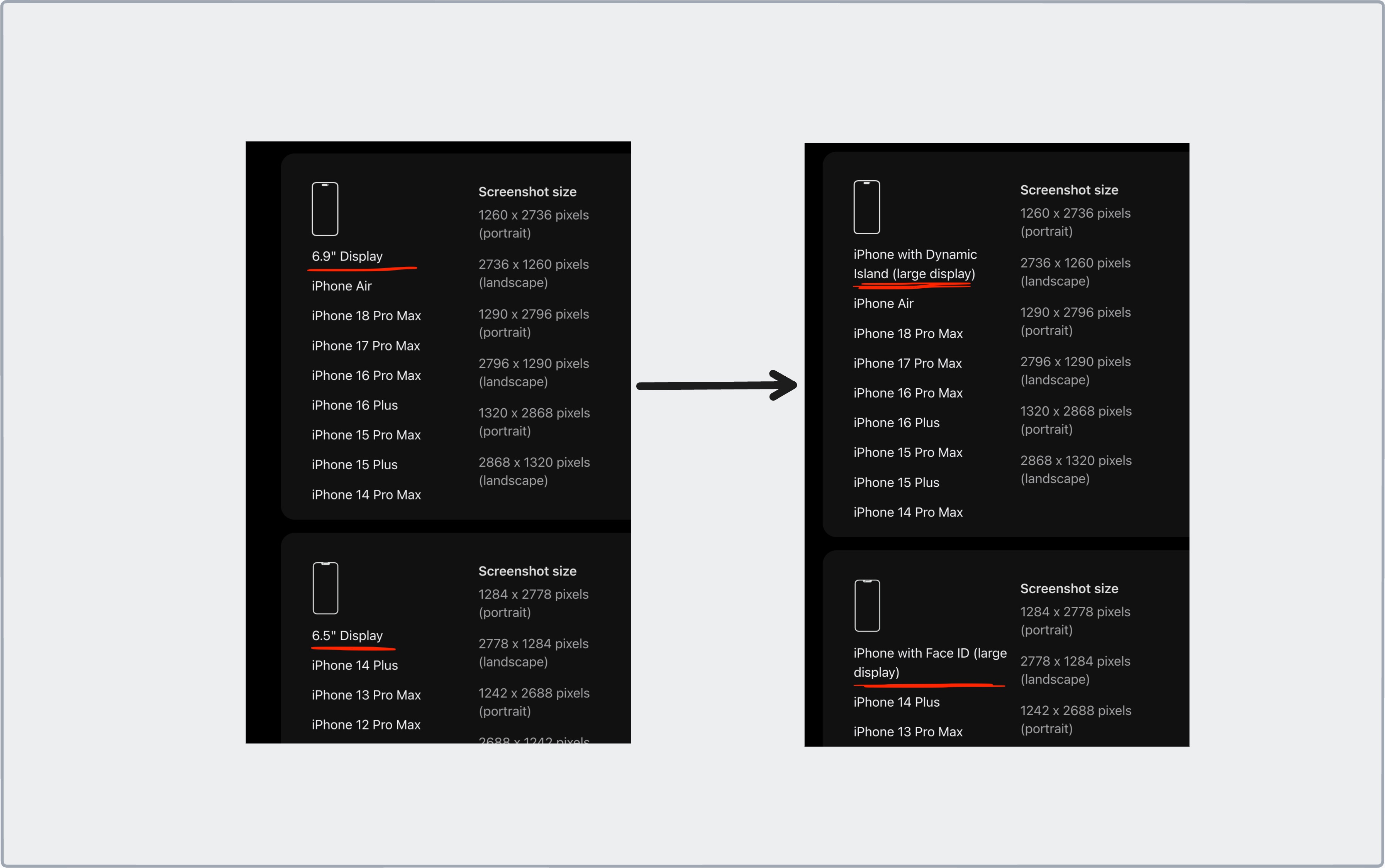
AppShots takes care of guidelines, screenshot sizes and the latest device frames, while you focus on your app.
A flat phone looks like every other listing. Use 3D frames to add depth to your screenshots, and WOW the viewers!
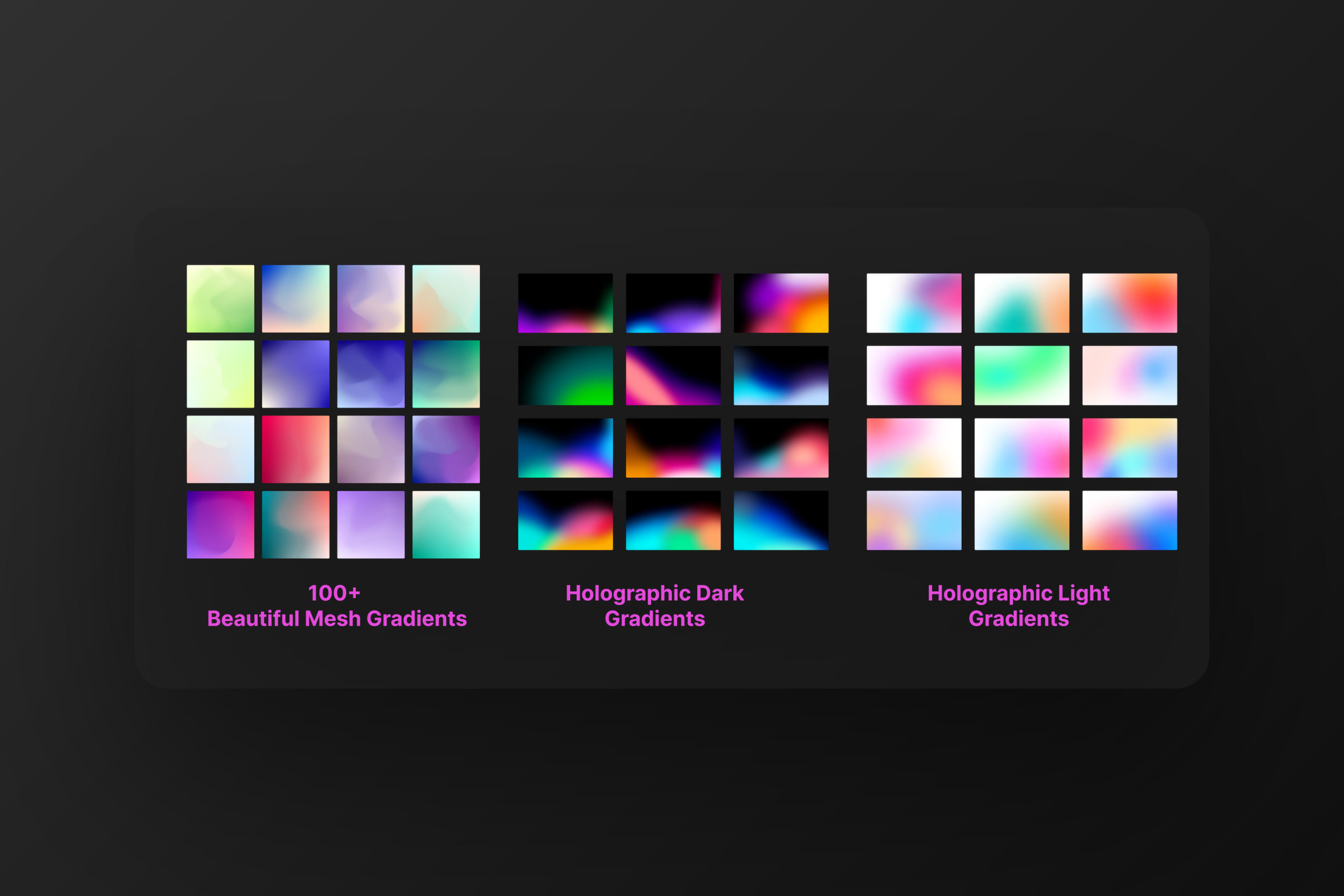
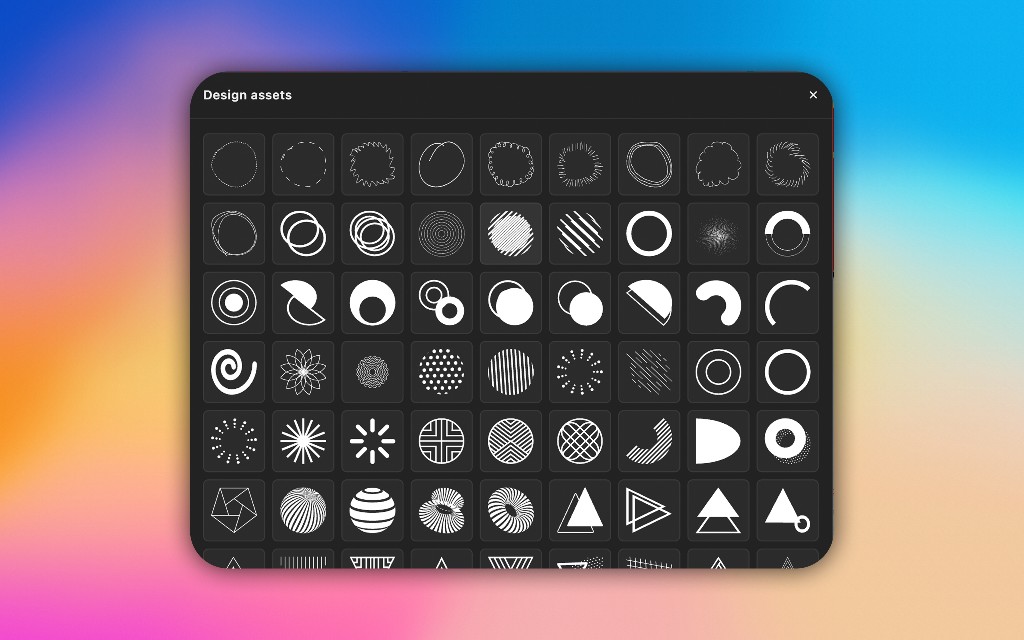
Pick from 100+ mesh gradients, holographic backgrounds, and graphics like rings, waves and spirals, or import your own assets to build a unique brand identity.
Use Mockups Playground to create mockups for sharing and marketing needs.
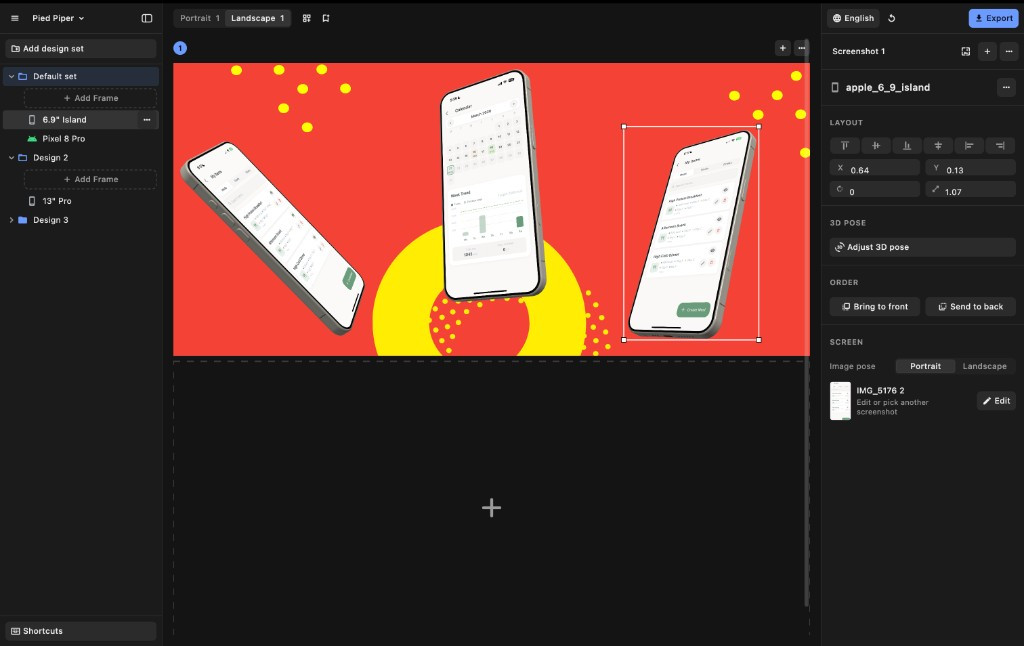
Easily create landscape and portrait screenshots, and copy designs between them.
Screenshots localization made easy. Localize screenshots, and manage multiple locale screenshots easily in one place.
Pick your app, select your locales, update screenshots order if needed and press Publish! It's that simple.
Small touches that save time in the editor.
Lock any element in place so it can't be moved by accident.
Keep each locale's text transformations and styling separate when working with multiple languages.
Select multiple elements together to drag, rotate or perform any actions on them.
Style every word of your headline, right on the screenshot.
Grab any layer, then resize and rotate it, just like in Figma.
Make any parts stand out from others for visual clarity.
Flip the device chassis on or off, and pose the frame however you like.
Everything else that helps you move faster in the editor.
Bring your own images, logos and graphics.
Create store screenshots for your desktop apps.
Design sets to organize your screenshots design experiments with ease.
Save your own layouts and designs to reuse them across every app.
Crop, adjust and polish your imported images without leaving the editor.
A huge font library to match your brand, ready to use.
Apple shows a Made for iPhone Duo badge on your product page when you submit iPhone Duo screenshots in App Store Connect, which is free visibility on the App Store.
Starting in April 2027, iPhone Duo screenshots are required for any app built with the iOS 27.1 SDK or later. Preparing them now means no last-minute scramble.
The 5.4-inch outer display and the 7.6-inch inner display suit different things. Show the roomy inner view to people who read, work or watch, and the quick outer view for glanceable tasks.
Duo owners are looking for apps that feel made for the device, and Apple highlights supported apps in editorial collections. There's less competition for attention right now than there will be later.
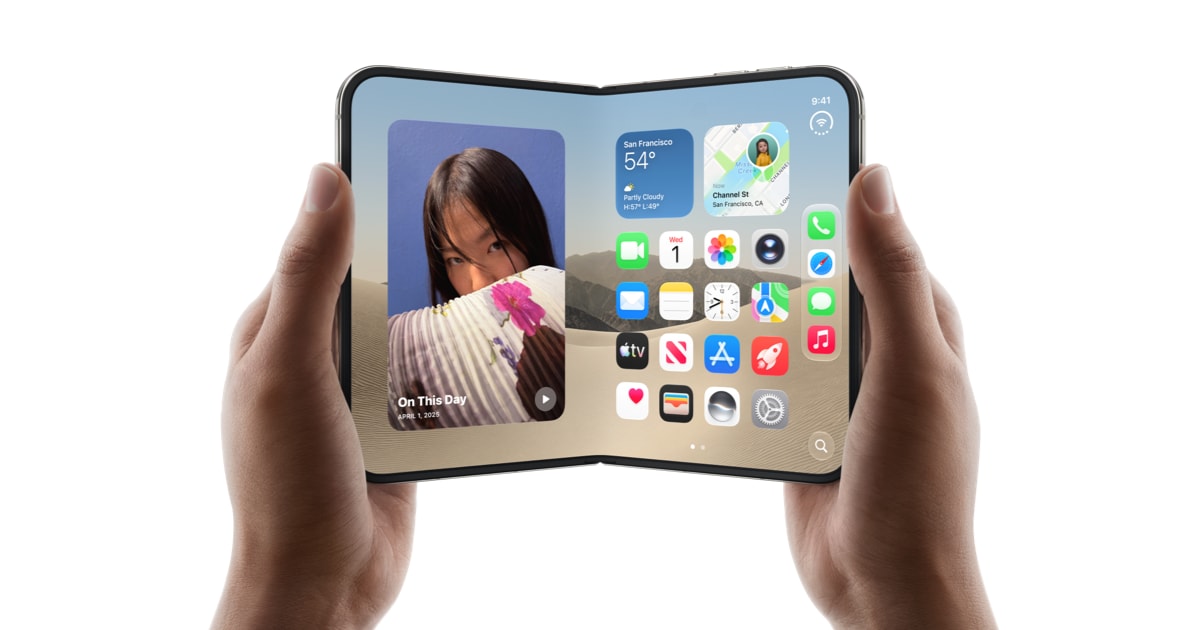
A foldable with two displays needs more than a resized phone mockup. AppShots gives you a Duo frame you can pose, plus separate inner and outer screenshots in one place.
| Criteria | Manual tools | AI-generated |  AppShots |
|---|---|---|---|
| App Store Review | Acceptable but knowing specs takes time. | App Store has started rejecting ai generated screenshots. | Screenshots follow store guidelines. |
| Inner & outer displays | Two sets of artboards at different sizes, managed by hand. | Models don't know Duo's two displays or their aspect ratios. | Inner and outer live on the same frame, with separate screenshots for each. |
| Duo sizes & export | Look up both displays' sizes, in portrait and landscape, and export each. | Exact pixel dimensions are hard to guarantee. | Frames carry their export size, so files come out at the right pixels. |
| Device frame & pose | Duo mockups are new and hard to find, let alone pose. | Often invents a foldable that doesn't look like iPhone Duo. | 3D Duo frame with Standby, Tent, Book, Open, Half open and Folded poses. |
| Layout & design control | Design every layout from scratch. | Quick drafts, but generic and hard to fine-tune. | Ready-made templates with fully editable text, shapes and device layers. |
| Localization | Duplicate files and retype text for every language. | Text is baked into the image, so translating means regenerating. | Translate every label in one click, then tweak each language in place. |
| Time to publish | Hours to days. | Minutes to draft, then hours of cleanup. | Minutes from template to an upload-ready set. |
| Tokens usage | No tokens involved, but consumes a lot of your time. | Every generation and retry spends tokens, and iterating adds up fast. | No tokens or per-image credits. |
Apple lists the outer display at 5.4 inches and the inner display at 7.6 inches.
| Property | Outer display | Inner display |
|---|---|---|
| Portrait | 1398 x 2034 px | 2007 x 2853 px |
| Landscape | 2034 x 1398 px | 2853 x 2007 px |
| Format | .jpeg, .jpg or .png | .jpeg, .jpg or .png |
| Count | 1 to 10 screenshots | 1 to 10 screenshots |
There are no separate preview sizes for the two displays. Duo previews use the same 19.5:9 dimensions as other iPhone models.
| Property | App preview |
|---|---|
| Resolution | 886 x 1920 px (portrait) or 1920 x 886 px (landscape) |
| Format | .mov, .m4v or .mp4 (H.264), .mov (ProRes 422 HQ) |
| Length | 15 to 30 seconds, up to 30 fps |
| File size | Up to 500 MB, up to 3 per language |
Images can't include alpha channels or transparency. AppShots exports store-ready files, so you never have to flatten them yourself.
Starting in April 2027, iPhone Duo screenshots are required for any app using the iOS 27.1 SDK or later.
People will use Duo in different ways. Someone who wants to read cares about the inner display, so show your app there as well as on the outer one.
Use the preview tool in App Store Connect to see how your screenshots and product page look on iPhone Duo, and check your message is readable.
Apple screenshot specifications ↗ Full guide to iPhone Duo screenshots and specifications → Making iPad screenshots? See the iPad screenshot generator →
Everything you need to know about iPhone Duo screenshots.
The outer display takes 1398 x 2034 px (portrait) or 2034 x 1398 px (landscape). The inner display takes 2007 x 2853 px (portrait) or 2853 x 2007 px (landscape). Both accept .jpeg, .jpg or .png without alpha channels.
Starting in April 2027, iPhone Duo screenshots will be required for any app using the iOS 27.1 SDK or later. Submitting them earlier is optional, and it's what earns your product page the Made for iPhone Duo badge.
Yes, each display has its own size. In AppShots, inner and outer live on the same Duo frame, so you can keep a separate set of screenshots for each display in one place.
You can upload 1 to 10 screenshots for each display. Lead with the strongest benefit, since most people only look at the first few.
The 3D Duo frame has presets for Standby, Tent, Book, Open, Half open and Folded, and you can pose it freely beyond those.
Apple shows the badge on your product page when you submit iPhone Duo screenshots in App Store Connect. You can also submit a featuring nomination and mention that your app is optimized for iPhone Duo.
Yes. Pick a language and AppShots translates the text labels across the screenshots in that frame. Each locale keeps its own text styling, so you can adjust spacing for longer languages.
No. AppShots handles the Duo frame, sizes, templates, text and localization in one editor, so you can go from your app captures to a finished set without Figma or Photoshop.